

DuckDuckgo Browser Download APK (Official) 2026
Download DuckDuckGo Browser APK Latest Version for Android. Enjoy private browsing, tracker blocking, ad protection, secure search, and smooth performance for a safer web experience. Download now!
Category: Browser
Version
v5.291.2
Size
118 MB
Android
8.0+
Update Date
18 – Aug – 26
Screenshots:

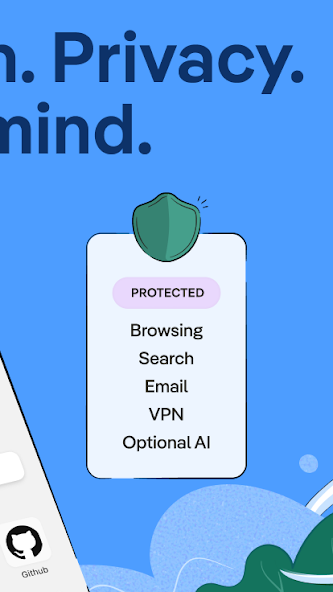
DuckDuckGo APK is the Android package for a privacy-focused browser and search app that combines private web search with useful browsing and security tools. It also includes Duck.ai, which gives users access to private AI conversations and several AI-powered features within the same ecosystem. The app is designed for people who want everyday browsing with greater control over tracking, cookies, advertisements, and personal information.
What Is DuckDuckGo APK and How Does It Work?
DuckDuckGo refers to the Android installation package used to install the DuckDuckGo app outside a normal app-store installation. The app works as both a private browser and search tool, with several privacy protections built directly into the browsing experience. It is designed to reduce tracking while keeping normal web browsing simple for Android users.

DuckDuckGo as a Privacy-Focused Browser and Search App
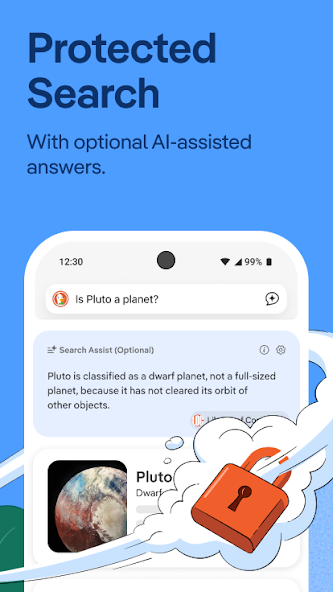
DuckDuckGo provides a familiar browsing experience without making users configure many separate privacy extensions. Its built-in search engine does not save or share searches as a personal search history, while browser protections can block many third-party tracking attempts. This makes it a practical choice for users who want privacy features alongside everyday browsing.
How DuckDuckGo Protects Your Personal Information
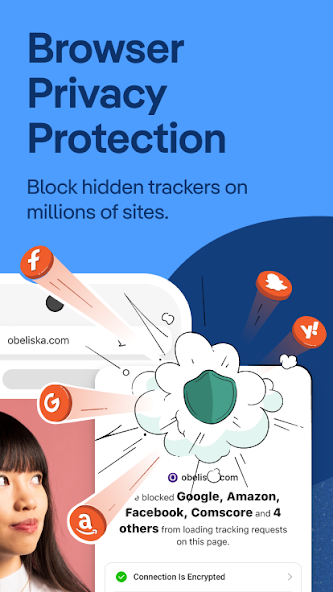
The browser uses several layers of protection instead of depending on one privacy feature. These include tracker blocking, cookie protection, link tracking protection, fingerprinting protection, and increased encryption. DuckDuckGo also offers App Tracking Protection on Android to help block certain third-party trackers inside other applications.
What Is Duck.ai and How Does It Work?
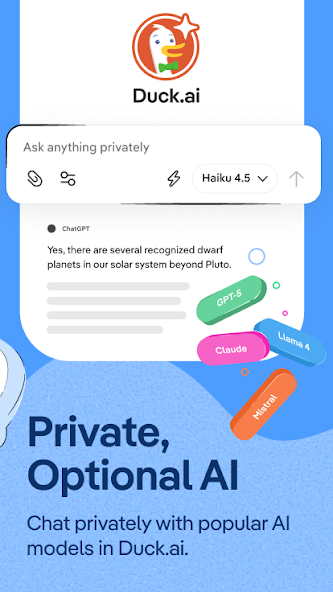
Duck.ai is DuckDuckGo’s private AI chat feature that lets users interact with supported third-party AI models. It can help with questions, writing, summaries, brainstorming, research, and other everyday tasks. DuckDuckGo says Duck.ai anonymizes requests before sending them to model providers and does not use chats to train AI models.
DuckDuckGo APK Latest Version and Android Features
New versions of the app can improve browser performance, privacy protection, compatibility, and AI functionality. The exact DuckDuckGo version, size, and Android requirement can change with each release. Before installing an APK manually, check that the release is compatible with your device and comes from a trustworthy source.
Latest Privacy and Security Improvements
DuckDuckGo continues to improve its tracking protections as websites introduce new methods of collecting information. Its browser includes multiple protections that work together to reduce unwanted tracking during normal browsing. These controls can provide stronger privacy without requiring users to understand complicated browser configurations.
Browser Performance and Stability Improvements
Updates can also fix crashes, improve website compatibility, and make navigation more reliable. Performance depends on your phone’s processor, RAM, available storage, Android version, and internet connection. Keeping the application updated can help you receive important fixes and newer features.
Android Compatibility and System Requirements
The minimum Android requirement depends on the particular release you install. Users with older devices should check the requirement before downloading an APK to avoid installation or compatibility problems.
DuckDuckGo APK Features and Privacy Tools
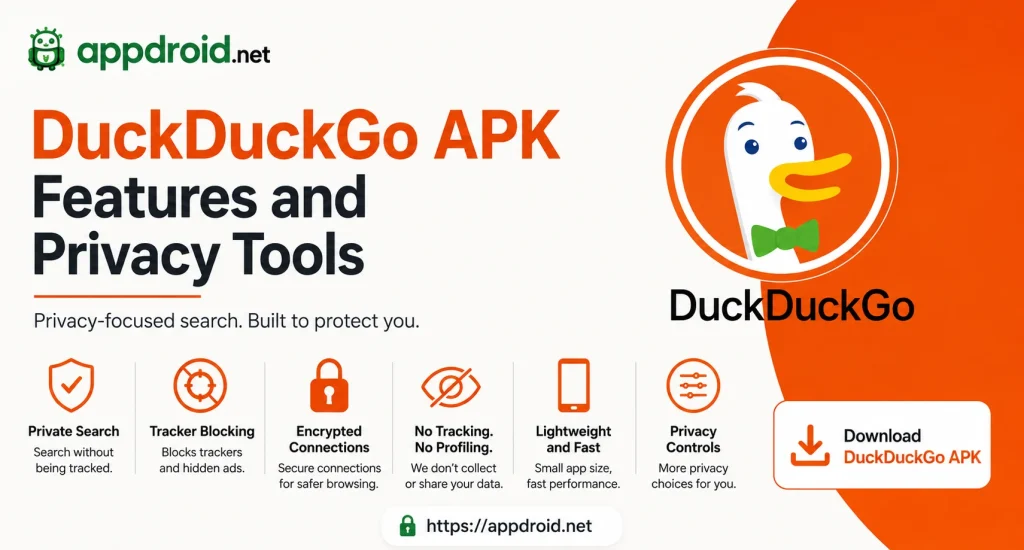
The main advantage of DuckDuckGo is its combination of search, browsing, and privacy features in one application. Users can browse websites, search privately, block many trackers, control cookies, and remove browsing data without installing numerous additional tools. These features make the app especially attractive to privacy-conscious Android users.
Private Search Without Personalized Tracking
DuckDuckGo Search is designed not to create a personal search history tied to an individual user. This means the service does not build the same type of search profile used for highly personalized advertising. DuckDuckGo says searches are kept anonymous and are not saved with personal identifiers.
Built-In Tracker and Cookie Protection
Many websites contain third-party scripts that can collect information about visitors. DuckDuckGo can block many known trackers and provides additional cookie protection to reduce certain forms of tracking. The protection may occasionally affect website behavior, but users can review privacy controls when a page does not work correctly.
Fire Button for Quick Data Removal
The Fire Button provides a simple way to clear browsing information. It can close tabs and remove selected local browsing data without requiring users to open several settings menus. This is particularly useful when browsing on a shared device or when you want to quickly finish a private session.
Link Tracking and Fingerprinting Protection
Some links contain extra parameters designed to identify or track visitors. DuckDuckGo can protect against supported link-tracking methods and also attempts to reduce browser fingerprinting techniques. These features add another privacy layer while you browse different websites.
Duck.ai Features for Private AI Conversations
Duck.ai adds AI assistance to the privacy-focused DuckDuckGo ecosystem. Users can ask questions, create written content, summarize text, and have conversations with supported AI models. Duck.ai is optional, so users who do not want AI features can continue using DuckDuckGo’s normal search and browser tools.
Multiple AI Models in Duck.ai
Duck.ai provides access to several supported AI models, and different models can produce different results. Free users can access a selection of models, while optional subscription plans provide access to additional advanced models. The available models can change as new AI services become available.
AI Answers for Writing and Daily Tasks
Duck.ai can help write emails, summarize information, explain topics, generate ideas, and answer general questions. It can also help users organize thoughts or create a starting point for longer content. AI-generated answers should still be reviewed when accuracy is important.
Private AI Conversations
DuckDuckGo says Duck.ai anonymizes requests before they reach the underlying model providers. It also states that conversations are not used to train AI models by DuckDuckGo or its model providers. This privacy-focused approach is one of the main differences between Duck.ai and many conventional AI chat services.
Duck.ai Image, Voice, and File Features
Duck.ai continues to expand beyond ordinary text conversations. Depending on the current version and available features, users can work with supported images, files, and voice interaction. These tools can make AI more useful for research, document analysis, creative tasks, and hands-free questions.
AI Image Generation and Editing
Supported AI image features allow users to create images from written descriptions and perform certain editing tasks. A clear prompt with details about the subject, background, and desired appearance can produce more useful results. Users should avoid uploading private photographs or sensitive documents unless they are comfortable having them processed.
Voice Chat and Dictation
Voice interaction can make AI conversations easier when typing is inconvenient. Users can speak questions and receive AI assistance without manually entering every sentence. Microphone permission and feature availability can depend on the device and current application version.
PDF and File Analysis
Supported files can be provided to Duck.ai for tasks such as summarization and question answering. This can save time when working with long documents or trying to locate specific information. Important facts should always be checked against the original file because AI responses can contain errors.
DuckDuckGo Browser Features for Android
The Android browser combines ordinary browsing tools with privacy protection. Users can search, open websites, save bookmarks, manage passwords, download files, and clear browsing information from the same application.
Private Tabs and Browsing Controls
Private browsing controls can reduce the amount of information stored locally on your device. However, private browsing does not make you completely anonymous to websites, internet providers, or other network-level services.
Bookmarks and Password Management
Bookmarks help users save websites they visit frequently. Password management can also make account access easier, but users should always protect their phone with a strong screen lock.
Duck Player
Duck Player provides a privacy-focused way to watch supported YouTube videos. It is designed to reduce some of the tracking associated with normal video browsing while keeping the viewing experience straightforward.
Download and File Management
The browser supports normal web downloads on compatible Android devices. Downloaded files can generally be accessed through Android’s file manager or the browser’s available download controls.
DuckDuckGo App Tracking Protection on Android
App Tracking Protection extends privacy protection beyond websites. On supported Android devices, it can detect certain third-party tracking attempts from other applications and block supported requests.
How App Tracking Protection Works
The feature checks network activity from applications against known tracking technologies. When a supported tracker is identified, DuckDuckGo can prevent the connection from reaching its destination.
View Blocked Tracking Attempts
Users can review information about blocked tracking attempts to understand how applications communicate with external tracking services. This can provide useful insight into the amount of third-party activity associated with different apps.
App Tracking Protection Limitations
The feature cannot identify every possible tracking technique. Some network connections are also necessary for an application to function, so blocking every external connection would not be practical.
DuckDuckGo Technical Details and Android Compatibility
Before downloading a DuckDuckGo APK, it is important to check basic technical information. Version numbers, APK sizes, Android requirements, and supported devices can change as the application receives updates.
| Information | Details |
|---|---|
| App Name | DuckDuckGo |
| Platform | Android |
| Category | Browser & Search |
| Main Focus | Privacy & Security |
| AI Feature | Duck.ai |
| Developer | DuckDuckGo, Inc. |
| App Type | Private Browser |
| Pricing | Free with Optional Features |
Android Requirements
The required Android version depends on the specific release. Check the exact requirement before installation, particularly if your phone uses an older Android version.
Storage and Performance
Keep sufficient free storage available for the DuckDuckGo and installation process. Devices with more RAM and modern processors will generally provide a smoother experience when many tabs or demanding websites are open.
How to Download and Install DuckDuckGo APK on Android
Users who install an APK manually should take extra care with the file source and package information. A safe installation starts with checking compatibility and avoiding modified packages that request unnecessary permissions.
Check Compatibility and APK Details
Verify the Android requirement, version number, file size, developer information, and package details. Do not install a file simply because its name looks correct.
Allow APK Installation
Android may ask for permission to install an application from an external source. Enable the required permission only when necessary and review your security settings afterward.
Install and Configure the App
Open the verified DuckDuckGo file and follow the Android installation instructions. After installation, launch DuckDuckGo and review the available privacy, tracker protection, search, and browsing settings.
How to Use Duck.ai on Android
Duck.ai is simple enough for everyday questions but also provides tools for more advanced tasks. You can start a conversation, select a supported model, ask follow-up questions, and use available file or image features.
Start a Private AI Conversation
Open Duck.ai and enter a question or instruction in the chat box. Providing clear context usually helps the selected model understand what you need.
Choose an AI Model
Different models can have different strengths. A general model may be enough for everyday questions, while an advanced model can be more useful for complex reasoning or technical work.
Use Recent Chats and Privacy Controls
Duck.ai can keep recent conversations locally on your device, and users can manage or disable chat history through the available settings. DuckDuckGo also provides an optional Sync & Backup feature that uses end-to-end encryption for supported saved chats.
DuckDuckGo Privacy and Data Collection Explained
Privacy is the central reason many people choose DuckDuckGo. The company says it does not save or share personal search, chat, or browsing history and does not sell personal information.
Does DuckDuckGo Track Search History?
DuckDuckGo states that it does not save searches as a personal search history. It can use anonymous information to improve its search service without connecting that activity to an individual user.
Does DuckDuckGo Sell Personal Information?
According to its privacy policy, DuckDuckGo says it has never sold personal information. Optional services can have their own requirements, so users should check the relevant privacy information before enabling them.
Is Duck.ai Private?
Duck.ai requests are anonymized before being sent to supported AI providers. DuckDuckGo also says model providers agree not to use Duck.ai conversations to train their models, with limited exceptions described in its privacy terms.
Is DuckDuckGo APK Safe and Private to Use?
DuckDuckGo is designed with privacy as a central part of its browser experience. Its tracker blocking, private search, cookie controls, and browsing-data tools can provide meaningful protection during everyday internet use.
However, privacy protection is not the same as complete anonymity. Users should still use strong passwords, avoid suspicious downloads, keep Android updated, and never enter sensitive information into unknown websites or applications.
DuckDuckGo vs Google: Which Is Better for Privacy?
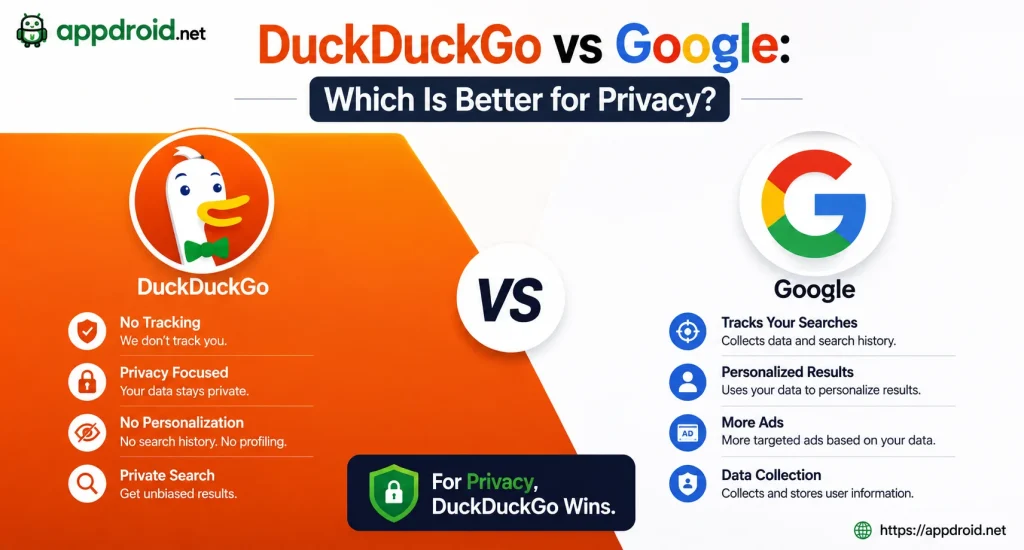
DuckDuckGo and Google both provide search and browser services, but their approaches are different. DuckDuckGo places greater emphasis on private search and reduced tracking, while Google’s ecosystem provides extensive personalization and integration.
| Feature | DuckDuckGo | |
|---|---|---|
| Private Search | Yes | Limited |
| Tracker Protection | Built-In | Available in varying forms |
| AI | Duck.ai | Gemini |
| Browser | DuckDuckGo Browser | Chrome |
| Personalization | Limited | Extensive |
| Privacy Focus | High | Moderate |
| App Tracking Protection | Available on Android | Not the same approach |
For users whose main priority is online privacy, DuckDuckGo is a strong alternative. Users who rely heavily on Google services may prefer Google’s ecosystem because of its integration and personalization.
DuckDuckGo Pros and Cons for Android Use

Pros
- Private search
- Built-in tracker blocking
- Cookie and link tracking protection
- Fire Button
- App Tracking Protection
- Duck.ai integration
- Multiple supported AI models
- Simple interface
- Private browsing controls
- Optional VPN and other privacy services
Cons
- Some websites may behave differently with strict protection
- Advanced AI features may require a subscription
- Search results may differ from Google
- AI answers can contain mistakes
- Privacy tools cannot provide complete anonymity
- Some features depend on Android compatibility
Common DuckDuckGo APK Problems and Solutions
APK Is Not Installing
Check your Android version, storage space, and DuckDuckGo compatibility. If another version of the application is already installed, a package conflict may also cause the installation to fail.
Websites Are Not Loading Correctly
First check your internet connection and try another website. If only one website has a problem, review its privacy settings because strict tracker protection can occasionally affect website functionality.
Duck.ai Is Not Responding
Check your connection and try sending the request again. If the problem continues, the selected AI model or service may be temporarily unavailable.
App Tracking Protection Is Not Working
Confirm that the feature is enabled and has the required Android permissions. Remember that not every tracking method can be detected or blocked.
Frequently Asked Questions About DuckDuckGo APK and Duck.ai
Final Verdict on DuckDuckGo APK and Duck.ai
DuckDuckGo offers a useful combination of private search, secure browsing tools, tracker protection, and AI assistance in one Android experience. Its privacy controls are easy to access, while Duck.ai adds modern AI capabilities without making them mandatory for users who prefer traditional search.
For Android users who value privacy, simple browsing, and fewer tracking mechanisms, DuckDuckGo is worth considering. APPDROID.NET can provide readers with useful information about the app’s features, Android compatibility, technical details, and installation considerations.