

GB WhatsApp Pro APK Download Latest Version for Android (2026)
GB WhatsApp Pro expands the standard WhatsApp experience with advanced privacy controls, dual accounts, custom themes, message scheduling, and extra customization options. This guide explains its key features, installation process, differences from standard GB WhatsApp, and the security and account risks of using a third-party APK.
Category: Communication App
Version
v18.80
Size
98 MB
Android
7.0+
Update Date
18 – 8 – 26
Screenshots:
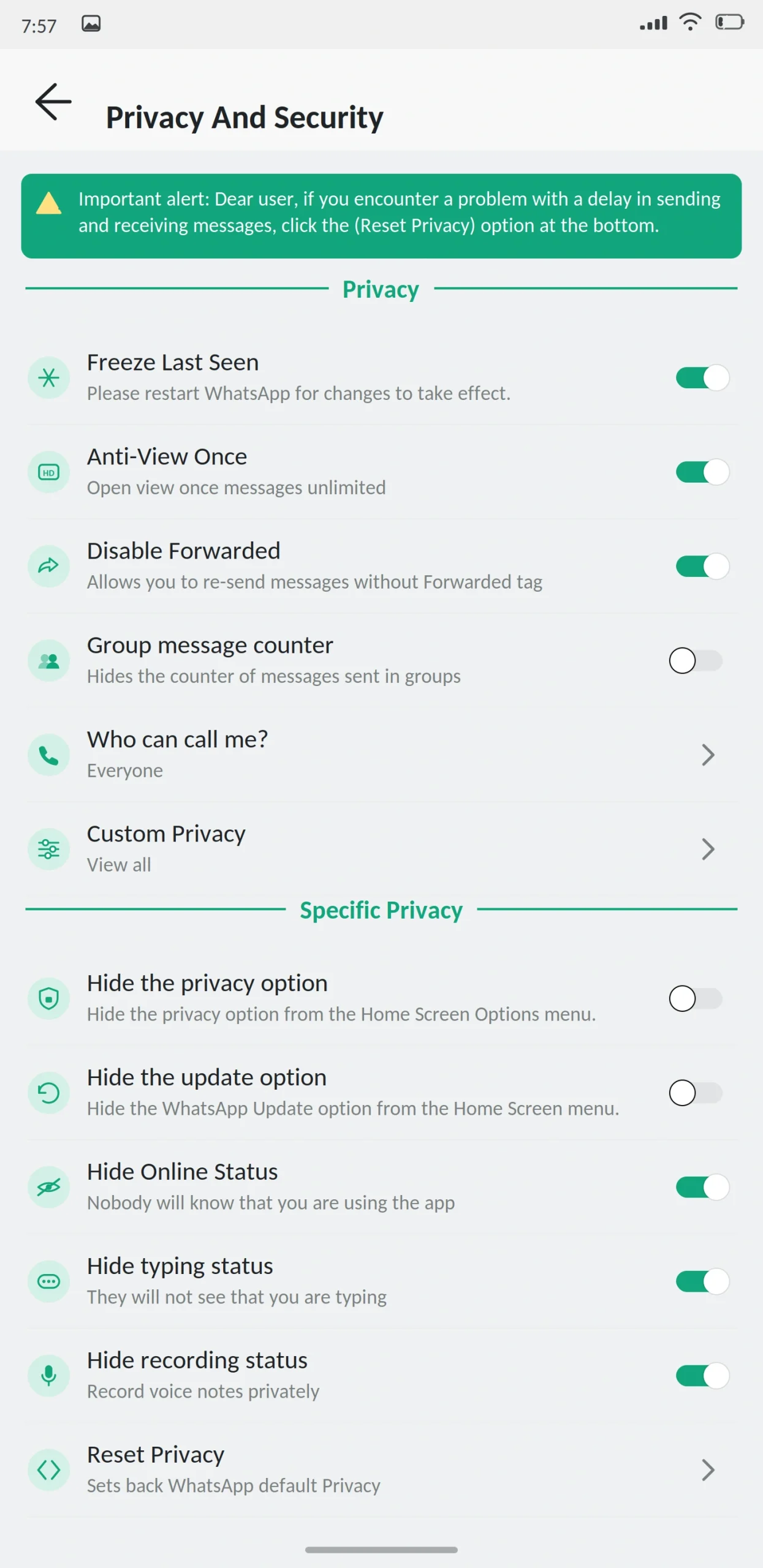
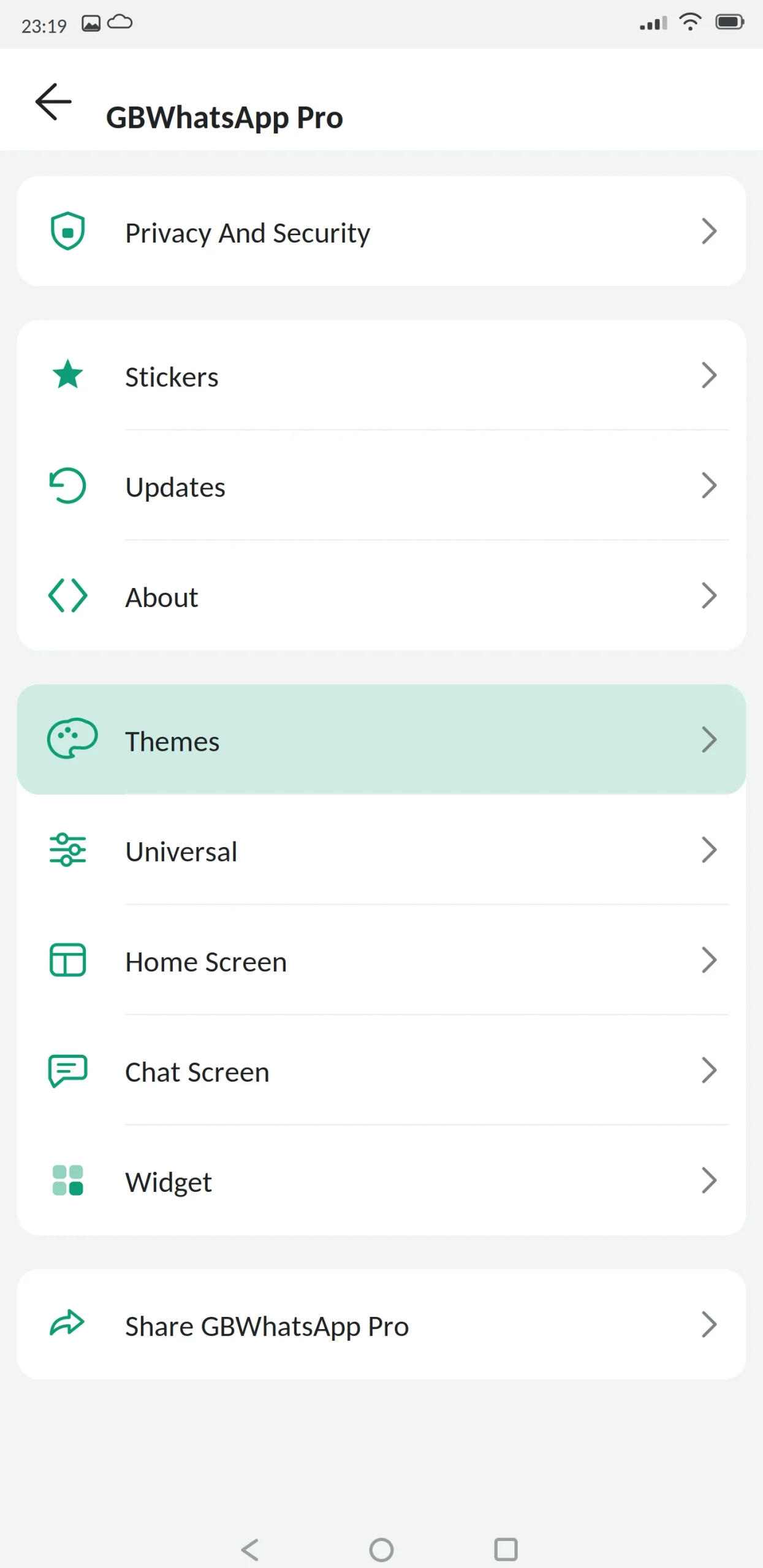
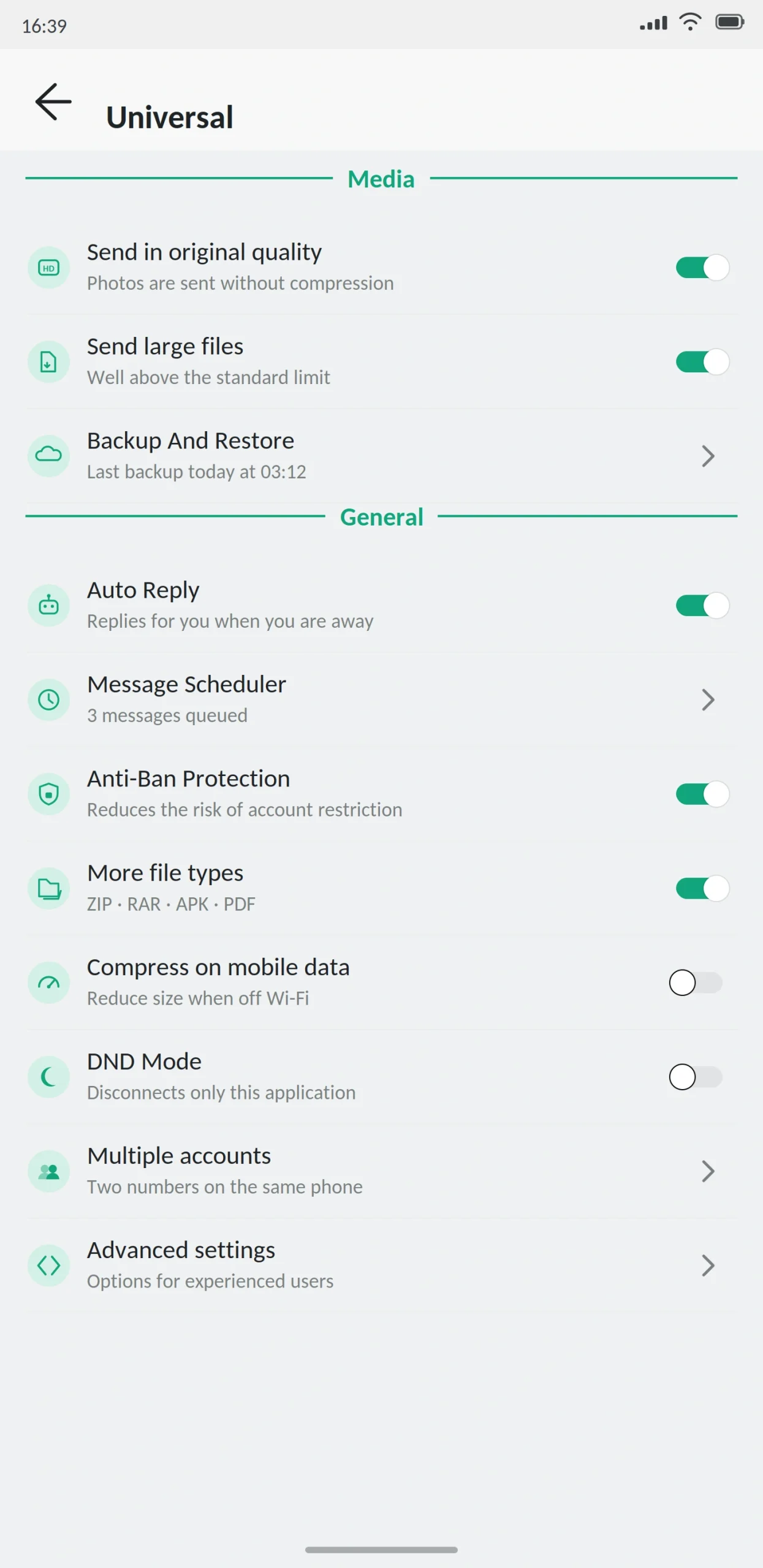
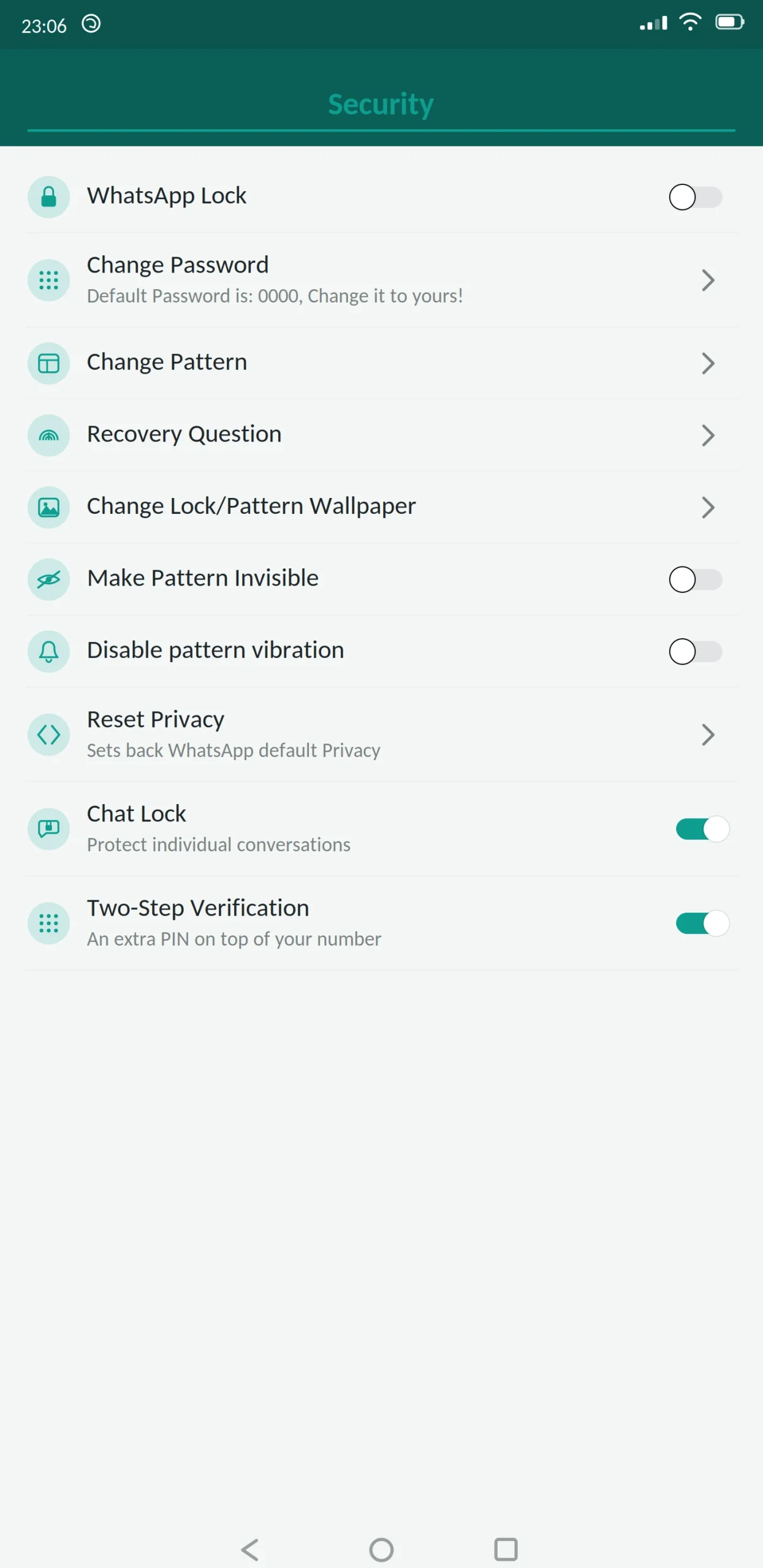
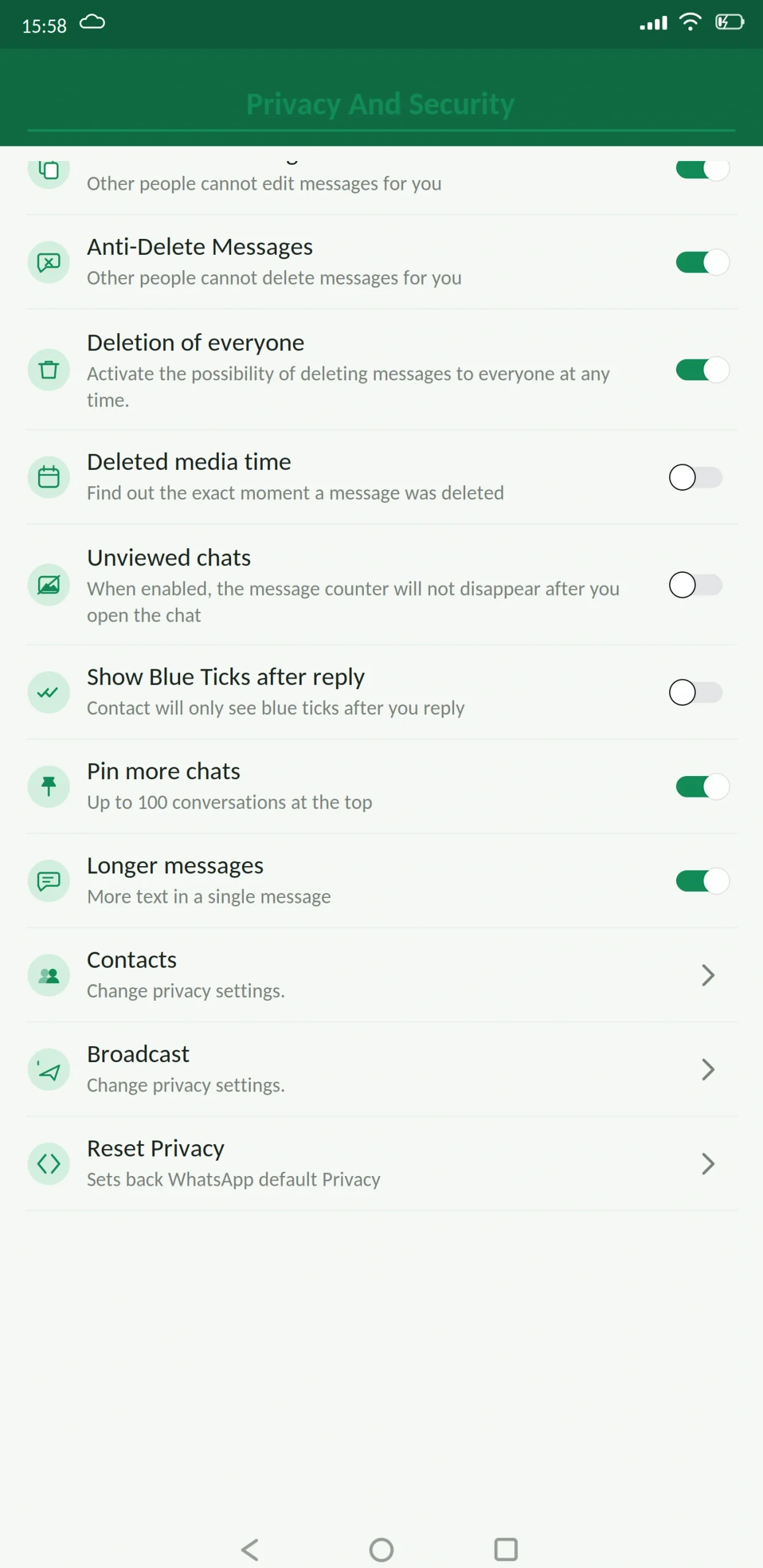
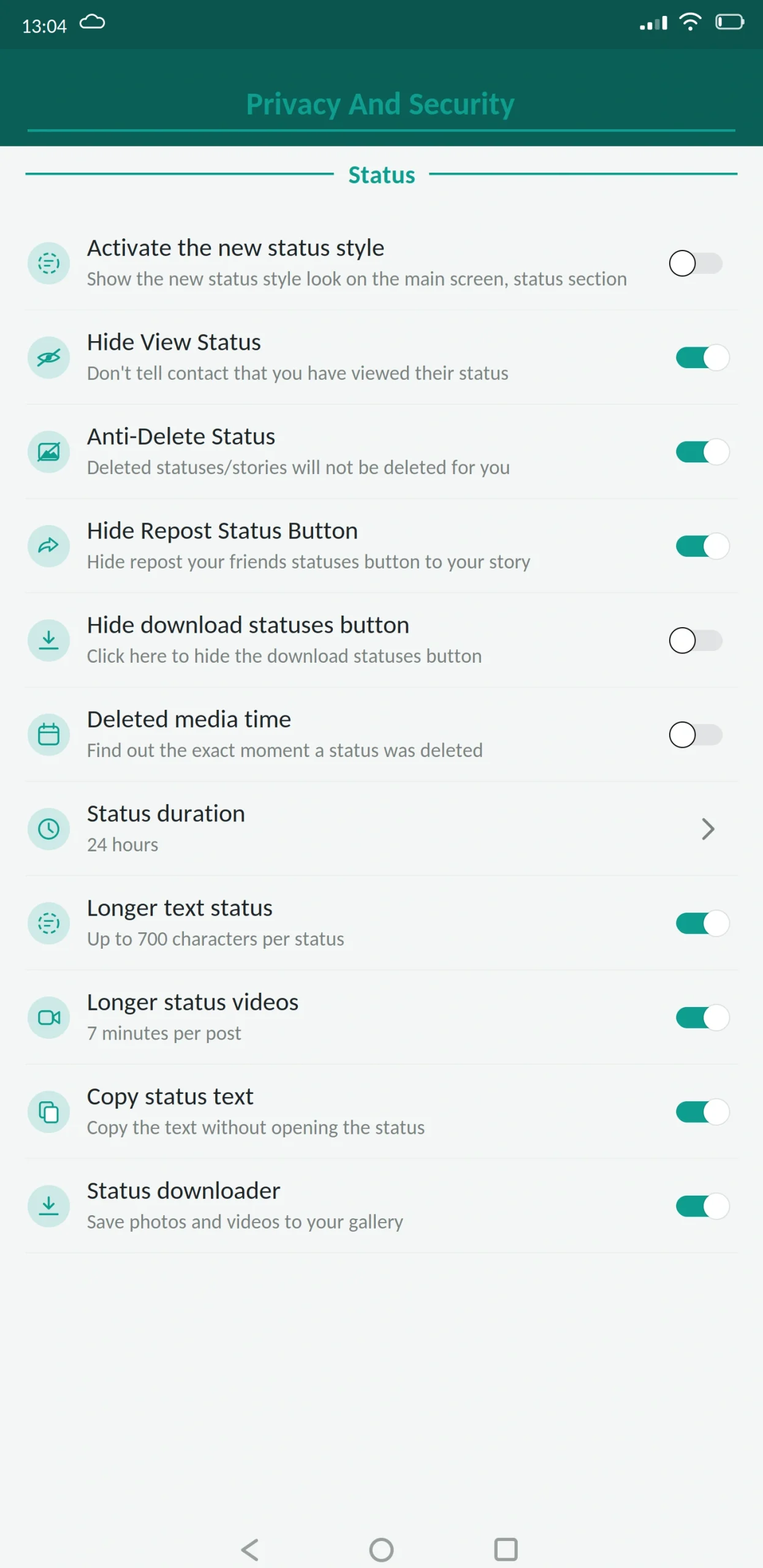
GB WhatsApp Pro is a modified version of WhatsApp for Android that adds privacy controls, custom themes and larger file limits to the standard messaging app. It is free, installs from an APK file instead of the Play Store, and is not made by Meta.
If you only read one line: it gives you more control over what your contacts can see, and in exchange you accept a real risk that your account gets restricted. This guide from appdroid.net covers the features, the install steps and the risks in plain language.
App Specifications
| Detail | Information |
|---|---|
| App name | GB WhatsApp Pro |
| Version | v18.80 |
| File size | 98 MB |
| Android required | 5.0 or higher |
| Base version | WhatsApp 2.26.x |
| Developer | Independent (AlexMods / HeyMods lineage) |
| Price | Free |
| Play Store | Not available |
| Root needed | No |
What Is GB WhatsApp Pro?
GB WhatsApp Pro is built by taking the official WhatsApp app apart, adding features Meta chose not to include, and packaging it again as an installable file.
Underneath, it is still WhatsApp. Same phone number, same contacts, same messages, same calls. Your conversations travel over the same servers. What changes is the number of settings you get.
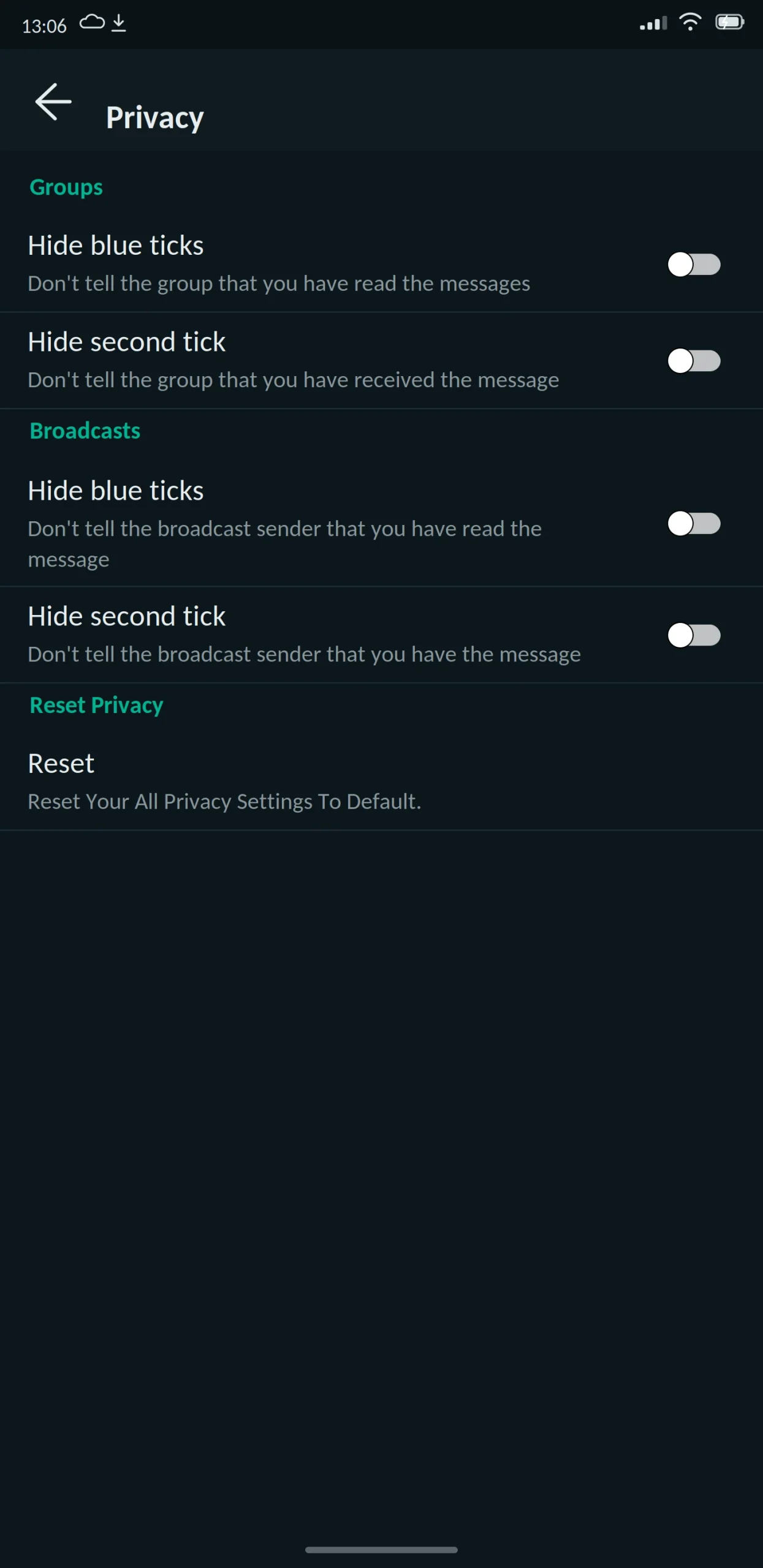
The official app gives you a handful of privacy switches. This gives you dozens. You can hide your online status, freeze your last seen, read messages without sending blue ticks, see messages other people deleted, schedule messages for later, and change how almost every screen looks.
Pro vs standard GB WhatsApp
This confuses a lot of people, so it is worth being clear.
GB WhatsApp is the original mod. GB WhatsApp Pro is the same project with a larger feature set and a faster update cycle. Same developers, same base, same package structure.
In practice the Pro build usually gets new features first, includes more theme options, and has a more current anti-ban layer. The standard build is a little smaller and a little more conservative.
Neither is officially “better.” If you want the newest features, take Pro. If you want something that changes less often, the standard build is calmer. What matters more than the label is that you download whichever one from a source you have checked, and keep it updated.
Main Features
Privacy features
Customization features
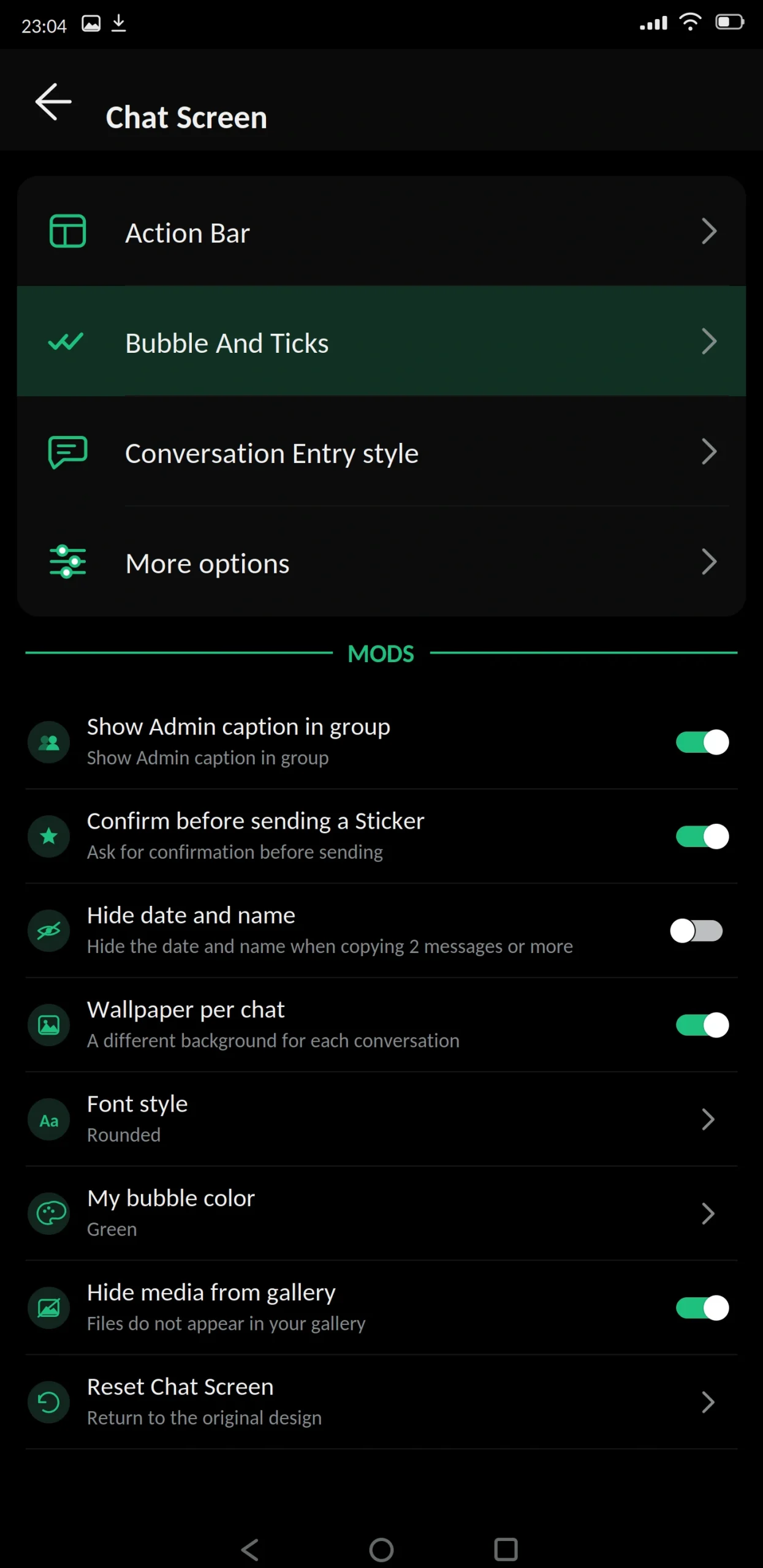
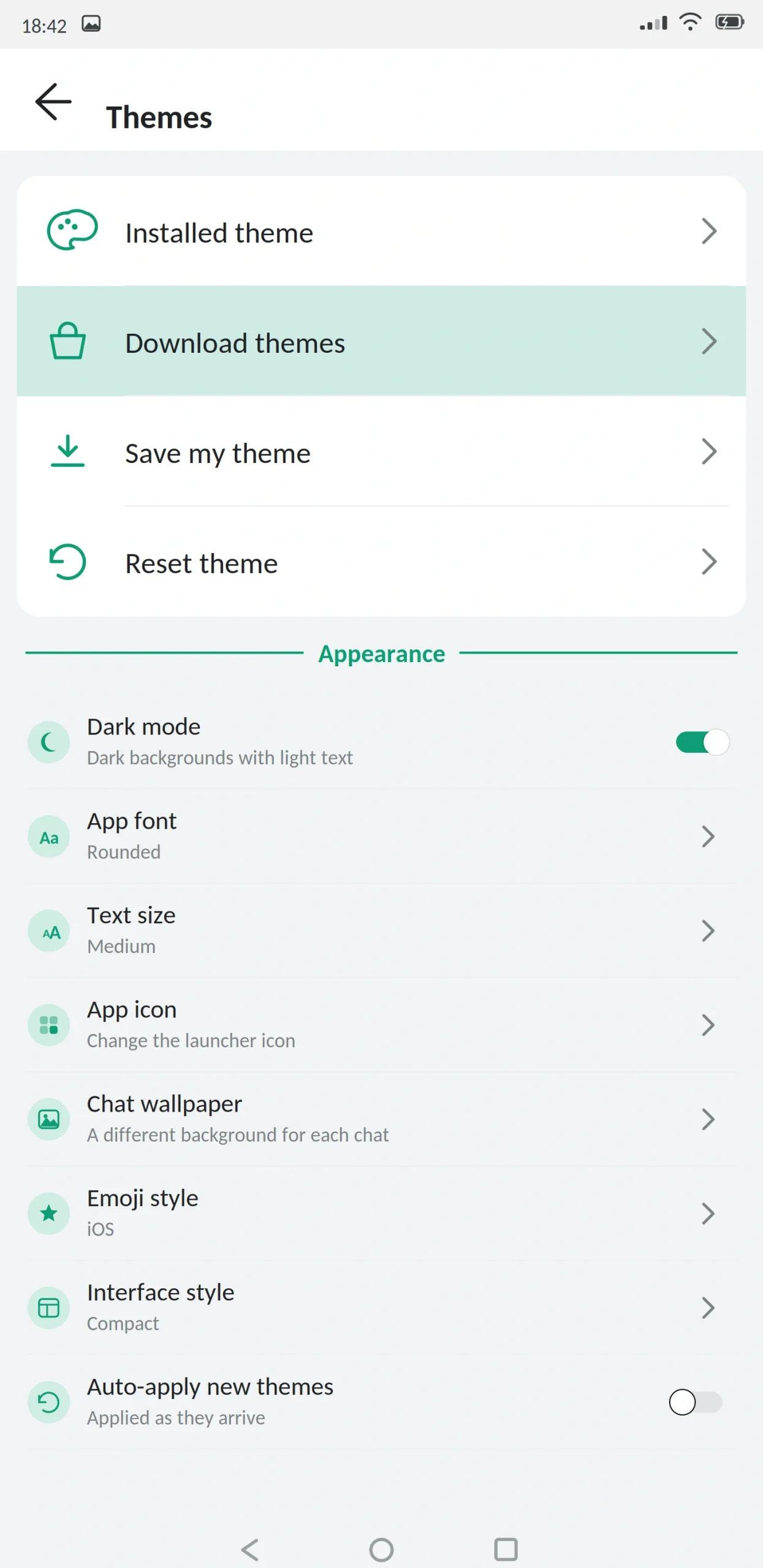
A built-in theme store with thousands of community designs, applied in one tap without reinstalling. You can change fonts and text size across the app, adjust chat bubble shapes and colours, set a different wallpaper per conversation, and swap the launcher icon so nobody glancing at your home screen knows which app you are running.
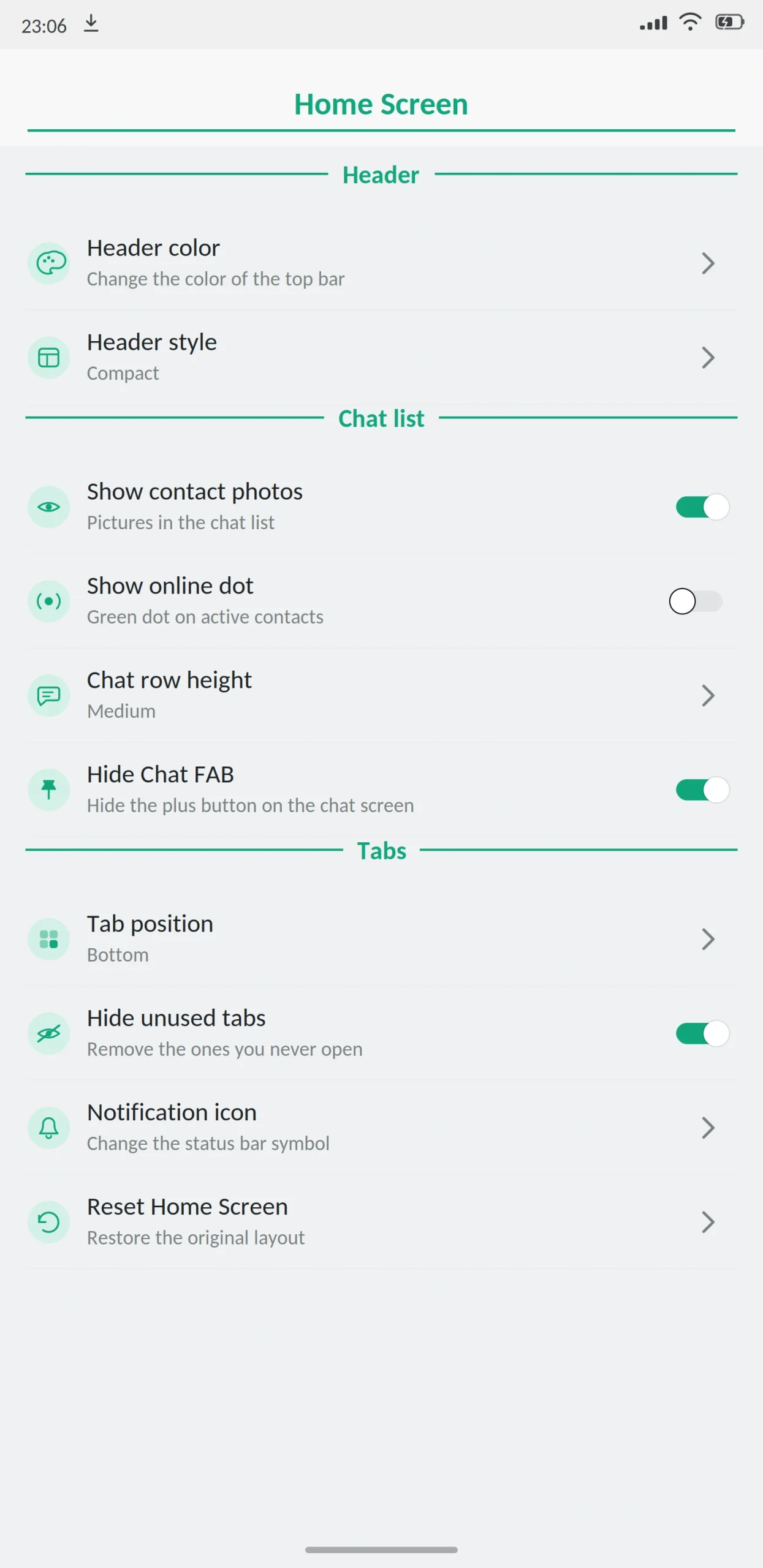
There are also layout controls for the home screen and the conversation screen: tab position, row height, header colour, and which elements appear at all.
Messaging features
- Message scheduler. Write a message now, pick a date and time, and it sends itself.
- Auto reply. Send an automatic response when you are busy or away. Small businesses use this heavily.
- Send without saving the number. Message anyone by typing their number directly.
- Pin more chats. The official app caps pinned chats low. This raises it substantially.
- Increased forward limit. Forward to far more chats at once than the standard limit allows.
Security features
App lock with PIN, pattern or fingerprint, so even an unlocked phone does not open your messages. Chat lock protects individual conversations separately. Two-step verification adds a PIN on top of your phone number turn this on the day you install, it is the single most useful security step available here.
Anti-ban protection hides the signals Meta’s detection systems look for. It genuinely reduces temporary restrictions. It does not eliminate them.
Media and file sharing
Send photos at original resolution without compression, video without heavy re-encoding, and files well above the standard limit. You can also send images as documents, which bypasses processing entirely.
You will see different file limits quoted on different websites 700 MB, 1 GB, 2 GB. They are not all wrong. Limits vary between builds, and the receiving app matters too. If the person you are sending to uses official WhatsApp, their client decides what actually arrives.
What’s New in the Latest Version
The current release focused on stability and detection avoidance.
The anti-ban layer was rebuilt, and the short temporary restrictions that affected older builds happen noticeably less. Ghost Mode gained a priority setting so it applies faster after you toggle it. Message edit history now shows the original text of edited messages, including ones your contacts edit.
There is a redesigned settings screen with an option to go back to the old layout, improved handling of Android 14 and 15 storage permissions, and fixes for backup detection failures that affected some devices.
Smaller additions: voice status clips, a choice of how long your status stays up, in-chat translation, and better group permission controls for admins.
GB WhatsApp Pro vs Official WhatsApp
| Feature | GB WhatsApp Pro | Official WhatsApp |
|---|---|---|
| Hide online status | Yes | No |
| Freeze last seen | Yes | No |
| Hide blue ticks | Yes | No |
| Hide typing indicator | Yes | No |
| Anti-delete messages | Yes | No |
| Anti-view-once | Yes | No |
| View status anonymously | Yes | No |
| Custom themes | Thousands | Light/dark only |
| Message scheduler | Yes | No |
| Auto reply | Yes | Business app only |
| Built-in app lock | Yes | Device level only |
| Larger file limits | Yes | No |
| Play Store | No | Yes |
| Automatic updates | No | Yes |
| Official support | No | Yes |
| Ban risk | Real | None |
The official app wins on reliability. Automatic updates, real support, no risk to your account. The mod wins on control. That is the whole trade.
Best Alternatives
WhatsApp Plus: the oldest mod, very similar feature set, shares much of its development history with GB. If you want the same capabilities with a slightly different interface, this is the closest match.
FM WhatsApp: Built by Fouad Mokdad. Lighter, with a reputation for stability rather than maximum features.
Yo WhatsApp: the deepest theming of any mod, if customization matters more to you than anything else.
GB WhatsApp Lite: a smaller build of the same project for older or low-memory phones.
Telegram: official app, large file transfers, cloud sync. The catch is your contacts have to be on it.
Signal: if privacy is the real goal rather than hidden read receipts, this does it properly. Open source, independently audited, no risk to your account.
Is GB WhatsApp Pro Safe?
The honest answer is that it can be reasonably safe, but it is never risk-free, and any site telling you otherwise is guessing.
On account bans. Using a modified client breaks WhatsApp’s terms of service. Meta detects modified apps and issues restrictions sometimes temporary, sometimes permanent. Anti-ban protection is better than it was two years ago, but no developer can promise your account is safe. The people who get caught most often are running old builds and sending high volumes of messages.
On encryption. Official WhatsApp uses end-to-end encryption. A modified client is built by taking a closed-source app apart, which means nobody outside the developer can confirm the encryption path is fully intact. Some sites claim mods guarantee complete encryption. They cannot know that. Others claim encryption is lost entirely — they cannot know that either. The accurate statement is that it cannot be independently verified.
On fake APK files. This is the practical danger and it is bigger than the app itself. Any file can be altered between the developer’s build and your phone. Scan the file, compare the size to what is published, and review the permissions on the install screen.
On the Play Protect warning. Android will flag this app during installation. That warning appears for anything installed from outside the Play Store that Google cannot verify. It does not automatically mean the file is malicious, but it is not a false alarm to dismiss without thinking.
Third-party software. This is a modification built by an independent developer with no connection to Meta, to WhatsApp LLC, or to appdroid.net. Installing and using it is entirely your own responsibility.
Who should not install it. If your number is connected to your business, your payments, or is the only way important people reach you, do not. A permanent ban takes all of that with it and is rarely reversed. A secondary number is a far better idea.
What to Know Before Installing
Three things catch people out.
You cannot get it from the Play Store. Google does not distribute modified apps. Anything on the Play Store with a similar name is not this app and is usually malware.
Google Drive backup does not work. The mod cannot use Drive the way official WhatsApp does. You need a local backup, stored somewhere outside the app.
Backups do not always move between builds. Each build uses its own package name and signing key, so a backup made by one is often not recognised by another. This is the most common cause of “my chats disappeared,” and once it happens there is usually no fix.
How to Download and Install
Back up first. Open your current WhatsApp, go to Settings, then Chats, then Chat Backup, and run a fresh one. Wait for it to finish. Copy important photos and documents somewhere separate too.
Check your storage. You need at least 200 MB free. A partial download is the most common cause of installation failure.
Enable unknown sources. Android will prompt you during install. Grant the permission to your browser or file manager specifically, not system-wide.
Open the file and review the permissions. Contacts, storage, camera and microphone all make sense for a messenger. Anything unrelated accessibility services, device administrator is a reason to stop.
Install and verify your number. Enter your number and type the code that arrives by SMS. Never share that code with anyone. No app, website or support agent needs it, and anyone asking is trying to take your account.
Restore your backup when prompted, then go through the privacy settings before you start messaging.
Turn unknown sources back off. Everyone skips this. Leaving it on is what lets the next questionable file install without asking you.
How to Update
Back up before every update, not after. Download the newer file and install it over the existing app do not uninstall first. Installing over the top preserves your chats, themes and settings in almost every case.
Stay with the same build. Mixing builds from different developers causes a signature error, and the fix usually involves uninstalling, which brings you back to needing that backup.
After updating, open a few recent chats to check everything is there, and re-check your privacy settings. Updates often reset them to default.
Frequently Asked Questions
Pros and Cons
| Pros | Cons |
|---|---|
| Privacy controls the official app does not offer | Breaks WhatsApp’s terms of service |
| Thousands of themes and deep customization | Real risk of account restriction |
| Larger file and media limits | No store review or verified security |
| Message scheduler and auto reply | Manual updates every time |
| Built-in app lock and chat lock | Encryption cannot be independently verified |
| Free | Backups may not transfer between builds |
| Familiar interface, easy to learn | Android only, no official support |
Verdict
GB WhatsApp Pro is the most complete mod available. If you want maximum control over what your contacts see about your activity, nothing official replaces it, and no other mod meaningfully beats it on features.
The question is not whether it works. It does. The question is whether the features are worth the risk to your account. If you have one number that carries your work and your family, they probably are not. If you understand the trade, use a secondary number and back up properly, it is a reasonable choice.
Back up first, never share your verification code, and turn unknown sources back off when you are done. Those three habits prevent almost every problem people run into.
