
Opera Browser Download APK (Official) 2026
Download Opera Browser APK Latest Version for Android. Enjoy fast browsing, data saving, smooth performance, and useful features for a better browsing experience. Download now!
Category: Browser
Version
v101.0
Size
70 MB
Android
10+
Update Date
18 – Aug- 26
Screenshots:
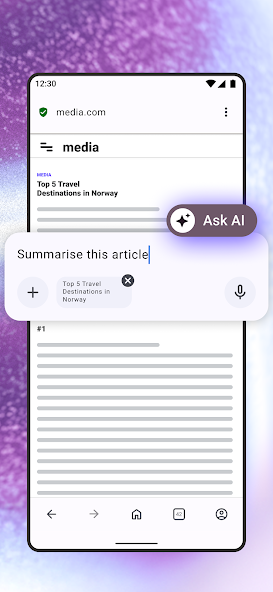
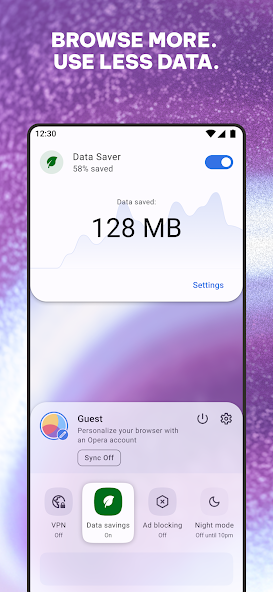
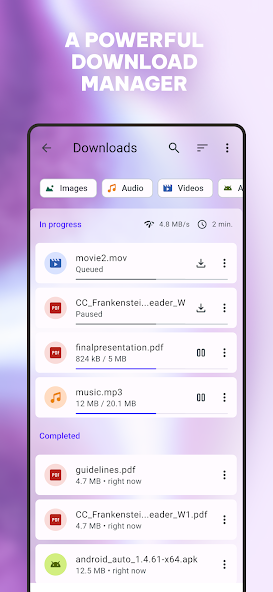
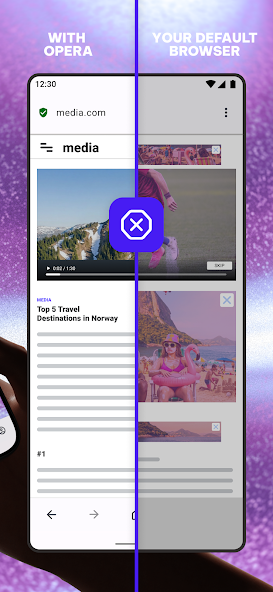

Opera Browser APK is an Android web browser designed for fast, convenient, and privacy-focused browsing. It combines a clean interface with useful tools such as ad blocking, private browsing, data-saving options, built-in AI features, and customizable browsing controls. This guide explains the main Opera Browser features, Android compatibility, privacy tools, advantages, limitations, and common problems in simple language.
What Is Opera Browser APK and How Does It Work?
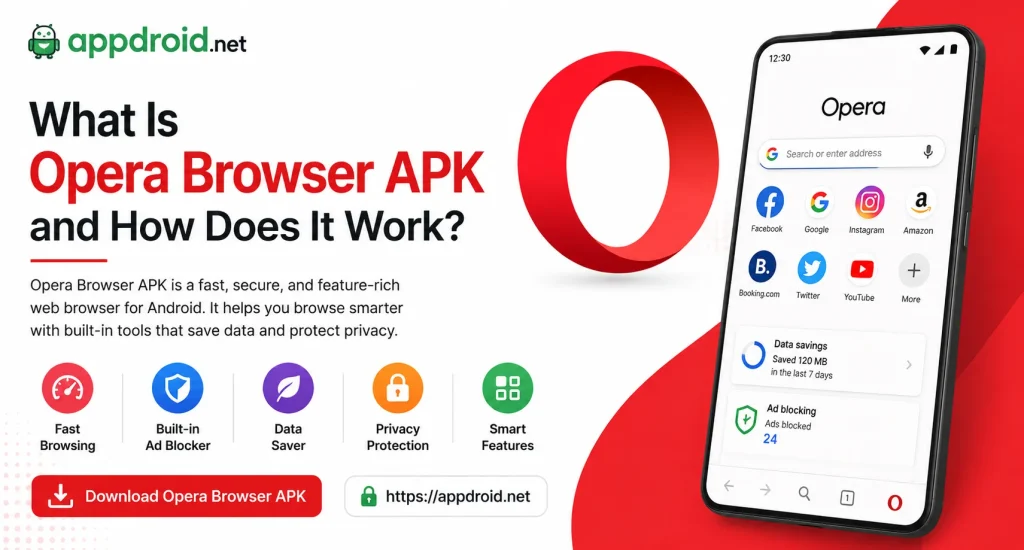
Opera Browser APK is the Android installation package for the Opera browser. It gives Android users access to a modern browser with fast web browsing, privacy protection, ad blocking, and personalization features. The browser is suitable for everyday searches, social media, video websites, online shopping, and general internet use.
Opera Browser as a Fast Android Web Browser
Opera focuses on providing a smooth browsing experience without making the interface complicated. Users can open multiple tabs, save favorite websites, search the web, and manage downloads from one application. Its built-in tools can also reduce distractions while visiting websites.
How Opera Browser Works on Android
Opera Browser APK uses your device’s internet connection to load websites and online services. The browser processes webpages and provides controls for tabs, bookmarks, privacy settings, downloads, and other browsing functions. Performance can vary depending on your Android version, device hardware, network quality, and the websites you visit.
Opera Browser Interface and Navigation
The Android interface is designed around quick access to important browsing controls. You can search from the address bar, open new tabs, access private browsing, and reach settings without navigating through complicated menus. This makes Opera suitable for both casual and regular users.
Opera Browser APK Latest Version and Android Features
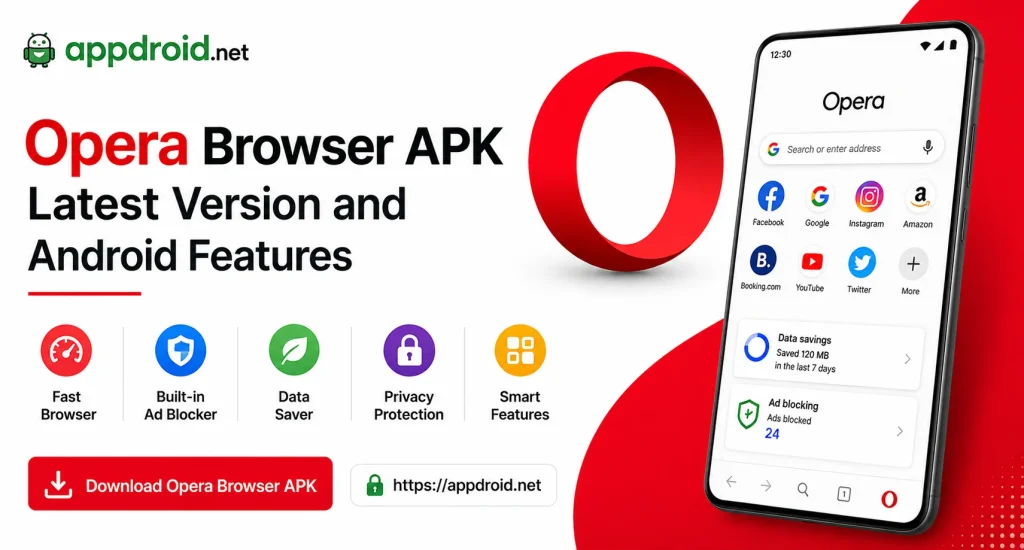
The latest Opera Browser updates can introduce new privacy features, performance improvements, security fixes, and interface changes. Version details such as the APK size, release number, and Android requirement can change with each update. Always check the details of the specific version before installing an APK manually.
Latest Browser Improvements
New versions can improve website compatibility and reduce crashes or other technical problems. Updates may also introduce improvements to browsing speed, privacy controls, and AI-powered tools. Keeping the browser updated can provide a more stable experience.
Better Browsing Performance
Opera is designed to handle modern websites, multimedia content, and multiple open tabs. Devices with sufficient RAM and free storage generally provide better performance when several demanding webpages are open. Closing unnecessary tabs can also help maintain smooth browsing.
Android Compatibility
Opera Browser supports a wide range of compatible Android devices. The exact minimum Android requirement can depend on the version you install, so check the requirements before downloading an older or newer APK release.
Opera Browser APK Features and Privacy Tools
Opera includes several features that make everyday browsing more convenient. Along with normal browser functions, it offers ad blocking, private browsing, tracker protection, customization, and additional productivity tools.
Built-In Ad Blocker
Opera provides a built-in ad blocking option that can reduce supported advertisements on websites. Blocking some ads can make pages cleaner and may also reduce unnecessary content loading. However, certain websites may still display advertisements because not every advertising method can be blocked.
Tracker Protection
Online trackers can collect information about browsing activity across different websites. Opera provides privacy controls designed to limit certain forms of tracking. These protections can give users greater control over their online activity.
Private Browsing
Private browsing helps reduce the information stored locally on the device during a browsing session. It can be useful when you do not want temporary browsing history and related data saved normally. Private mode does not provide complete anonymity because websites and network providers can still observe certain activity.
Secure Website Connections
Opera Browser APK supports modern HTTPS connections when websites provide them. HTTPS helps protect information exchanged between the browser and website from being easily read during transmission. Users should still avoid suspicious websites and unknown downloads.
Password and Autofill Management
Saving passwords and form information can make account access faster. However, users should protect their Android device with a strong screen lock because saved credentials can be sensitive. Review saved information regularly and remove old credentials when necessary.
Opera Browser Speed and Performance
Browser speed depends on more than the application itself. Your internet connection, device processor, RAM, storage space, network congestion, and webpage complexity can all affect loading times.
Fast Page Loading
Opera is designed to load modern webpages efficiently on compatible Android devices. Simple websites generally load quickly, while heavy pages with videos, animations, and advertisements may require more resources.
Data Saving Features
Some Opera Browser APKversions and services provide features that can help reduce unnecessary data usage. These tools can be useful when browsing over mobile data or slower connections. The actual amount of data saved depends on the websites and content you access.
Smooth Tab Management
Users can keep multiple webpages open and switch between them when needed. Too many active tabs can consume RAM, especially on older Android phones. Closing unused tabs can improve overall responsiveness.
Opera Browser AI Features and Aria
Opera has integrated Aria AI into supported versions of its browser. Aria can help users answer questions, generate or rewrite text, summarize information, and assist with certain browsing tasks. Availability and capabilities can depend on the browser version and region.
What Is Aria AI?
Aria is Opera Browser APK-based AI assistant. It can provide answers and help users work with text without requiring a separate AI application.
AI Writing Assistance
Aria can help rewrite sentences, generate ideas, summarize text, and create different types of written content. It can be useful when preparing emails, notes, articles, or social media drafts. AI-generated text should still be reviewed before publishing.
AI Answers and Research Help
Users can ask Aria questions and request explanations of different topics. It can help organize information and provide quick answers when you need a starting point for research. Important facts should always be verified through reliable sources.
AI Image Generation
Supported Opera versions may provide AI-powered image generation features through Aria. Users can describe the image they want and receive a generated result when the feature is available. Results can vary depending on the prompt and current AI capabilities.
Opera Browser Customization Features
One useful part of Opera is its focus on personalization. Users can adjust different browser settings to create an experience that matches their browsing habits.
Custom Themes and Appearance
Opera Browser APK can provide different appearance options depending on the Android version. Users can adjust supported themes and interface settings to make the browser more comfortable to use.
Start Page Customization
The start page can provide quick access to commonly used websites and browsing tools. Personalizing this area can reduce the time required to reach frequently visited pages.
Bookmarks and Favorites
Bookmarks allow users to save websites for later access. They are useful for frequently visited pages, research resources, shopping websites, and other important online services.
Opera Browser Privacy and Security Features
Privacy is an important part of modern web browsing. Opera provides several controls that can reduce tracking and help users manage their browsing information.
Private Data Management
Users can manage browsing history, cookies, cached content, and other local browser data. Regularly clearing unnecessary information can help maintain privacy on shared devices.
Cookie Controls
Cookies allow websites to remember preferences and login states, but some can also be used for tracking. Opera provides settings that let users control how websites use cookies.
Safe Browsing Practices
A browser’s security features cannot protect users from every online threat. Avoid suspicious links, unknown APK files, phishing pages, and websites that request unnecessary personal information.
Opera Browser APK Technical Details
Before installing an Opera Browser APK, check the basic technical information for the specific release. APK size, version number, Android compatibility, and developer information can change between releases.
| Information | Details |
|---|---|
| App Name | Opera Browser |
| Platform | Android |
| Category | Browser |
| Developer | Opera |
| Main Focus | Web Browsing |
| AI Assistant | Aria |
| Private Browsing | Yes |
| Ad Blocking | Supported |
| Pricing | Free with Optional Services |
Android Requirements
The minimum Android version can vary between Opera releases. Check the requirement of your selected version before starting installation.
Storage Requirements
Keep enough free storage for the APK and installation process. Additional space may also be required for browser cache, downloads, saved webpages, and temporary files.
Supported Android Devices
Opera can work on compatible smartphones and tablets. Performance will depend on the device’s processor, RAM, Android version, and available storage.
How to Download and Install Opera Browser APK on Android
Manual APK installation requires more care than installing an application through the standard Android app marketplace. Users should verify the APK source, version, developer information, and compatibility before opening the file.
Check the APK Before Installation
Confirm that the file matches the intended Opera Browser version. Avoid modified or suspicious APK packages that request permissions unrelated to normal browser functionality.
Enable APK Installation Permission
Android can require permission before an APK from an external source can be installed. Enable the relevant permission only when necessary and disable it again if you do not plan to install other external applications.
Install Opera Browser APK
Open the verified Opera Browser APKfile and follow the installation instructions shown by Android. If installation fails, check available storage, Android compatibility, package conflicts, and whether another Opera version is already installed.
Configure Browser Settings
After installation, open Opera and review privacy, ad blocking, notification, download, and appearance settings. Adjust these options according to your browsing needs.
How to Use Opera Browser on Android
Opera is designed to keep common browsing controls easy to access. New users can start with basic searches and gradually configure privacy and personalization settings.
Search the Web
Enter a website address or search query into the browser’s address bar. Opera will load the requested webpage or provide relevant search results.
Open and Manage Tabs
Tap the tab button to view currently open webpages. Close unnecessary tabs when you finish with them to reduce memory usage.
Use Private Mode
Open a private browsing session when you want to reduce locally stored browsing information. Remember that private mode does not make your internet activity completely invisible.
Save Websites With Bookmarks
Use bookmarks for websites you frequently visit. This is faster than typing the same web address every time you need it.
Manage Downloads
Downloaded files can be accessed through Android’s file manager or the browser’s download section. Only download files from sources you trust.
Opera Browser vs Google Chrome
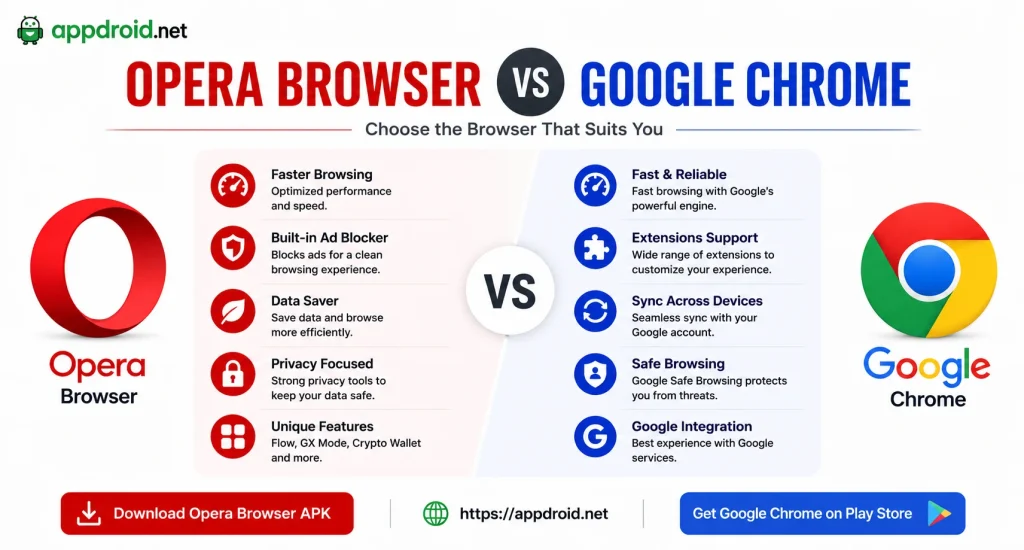
Opera Browser APK and Chrome are both popular Android browsers, but they offer different approaches to browsing and customization. Opera places more emphasis on built-in features, while Chrome provides strong integration with Google’s ecosystem.
| Feature | Opera Browser | Google Chrome |
|---|---|---|
| Private Browsing | Yes | Yes |
| Built-In Ad Blocking | Supported | Limited |
| AI Features | Aria | Gemini integration |
| Customization | Strong | Moderate |
| Google Account Integration | Limited | Strong |
| Tab Management | Yes | Yes |
| Android Support | Yes | Yes |
Users who want more built-in customization and privacy tools may prefer Opera. Chrome can be more convenient for people who regularly use Google services and want automatic integration with their Google account.
Pros and Cons

Pros
- Built-in ad blocking
- Private browsing mode
- Tracker protection
- Aria AI features
- Customizable interface
- Bookmarks and favorites
- Multiple tab support
- Download management
- Free basic browser
- Useful privacy controls
Cons
- Some advanced features vary by version
- Certain websites may behave differently with ad blocking
- AI features may have usage limitations
- Performance depends heavily on device hardware
- Private mode does not provide complete anonymity
Common Opera Browser APK Problems and Solutions
Opera APK Is Not Installing
Check the Android requirement and available storage first. An existing Opera installation or incompatible package can also cause installation conflicts.
Opera Browser Is Running Slowly
Close unused tabs and applications running in the background. Clearing unnecessary browser data and ensuring sufficient storage can also improve performance.
Websites Are Not Loading Correctly
Check your internet connection and try another website. If only one website has a problem, temporarily review ad blocking or privacy settings to determine whether they affect the page.
Aria AI Is Not Available
Check whether your Opera version supports Aria and whether the feature is available in your region. Updating the browser may also provide newer AI functionality.
Ads Are Still Showing
Opera’s ad blocker cannot block every advertisement. Make sure the feature is enabled and remember that some websites use advertising systems that can bypass standard blocking methods.
Frequently Asked Questions About Opera Browser APK
Final Verdict on Opera Browser APK
Opera Browser APK is a feature-rich Android browser for users who want more than basic web searching. Its combination of ad blocking, private browsing, customization, tab management, and Aria AI makes it a versatile option for everyday internet use.
The browser is especially useful for users who prefer built-in tools rather than installing separate extensions for common browsing tasks. APPDROID.NET can help users understand Opera Browser’s features, technical requirements, privacy options, and safe installation considerations before choosing the right version for their Android device.