

GB WhatsApp Download APK (Official) 2026
Download Dolphin Browser APK Latest Version for Android. Enjoy fast, private, smooth browsing with powerful features, easy navigation, secure browsing, and reliable performance.Don’t Wait Download now!
Category: Browser
Version
12.4.2
Size
13.19 MB
Android
4.1+
Update Date
18 -Aug- 26
Screenshots:
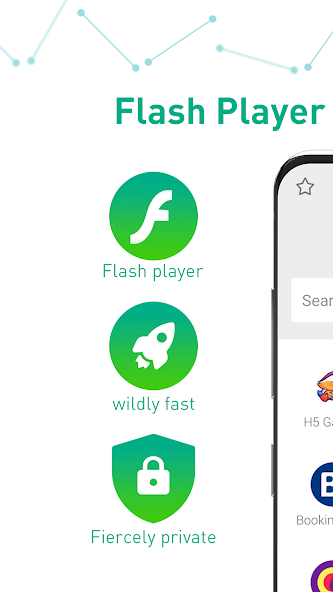
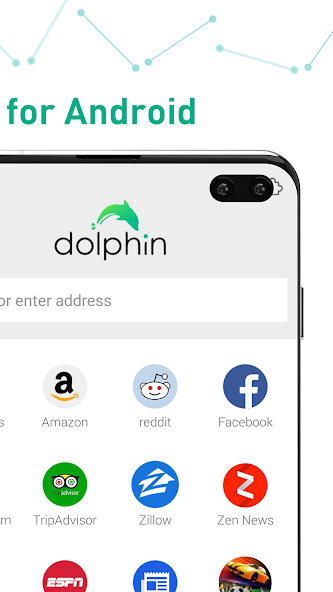
Dolphin Browser APK is the Android installation package for Dolphin Browser, a mobile browser built around speed, personalization, and convenient touch controls. Unlike a basic browser that focuses mainly on opening websites, Dolphin provides additional tools such as Gesture, Sonar, tabs, sidebars, add-ons, and private browsing.
The browser has been designed specifically for mobile devices, so many of its controls are made for touchscreens rather than traditional desktop navigation. Users can swipe to access panels, draw gestures to perform actions, and manage multiple websites through the tab interface.
Why Do Users Choose Dolphin Browser for Android?
Dolphin Browser is useful for people who want more control over how they browse websites on a phone. Its combination of gesture navigation, customizable settings, add-ons, private mode, and desktop view gives users several ways to personalize everyday browsing.
Another useful feature is Dolphin Connect, which can synchronize selected browsing information across supported devices. According to Dolphin’s support information, the service can sync items such as bookmarks, history, and tabs, while also allowing content to be sent between connected devices.
Dolphin Browser APK Latest Version 2026
When downloading any APK, it is important to check the version number, Android compatibility, file size, and source before installation. Public APK listings currently show Dolphin Browser 12.4.2 as a recent release, with a listed upload date of November 12, 2025 and an APK size of about 16.78 MB.
Because APK availability can change, users should check the version information displayed on the download page before installing. A newer package may also have different compatibility requirements, so checking your Android version first can help prevent installation errors.
| Information | Details |
|---|---|
| App Name | Dolphin Browser |
| Platform | Android |
| Category | Web Browser |
| Latest publicly listed version | 12.4.2 |
| APK size listed | About 16.78 MB |
| Main controls | Gestures, tabs, touch navigation |
| Privacy options | Private mode and browsing controls |
| Extra tools | Add-ons, Sonar, sidebars |
| Browser modes | Mobile and desktop viewing |
Key Features of Dolphin Browser for Android
Dolphin Browser includes several features that make mobile browsing more flexible than a basic browser interface. The official feature information highlights Gesture, Sonar, sharing, saving, Dolphin Connect, add-ons, tabbed browsing, user-agent options, and customized browsing preferences.
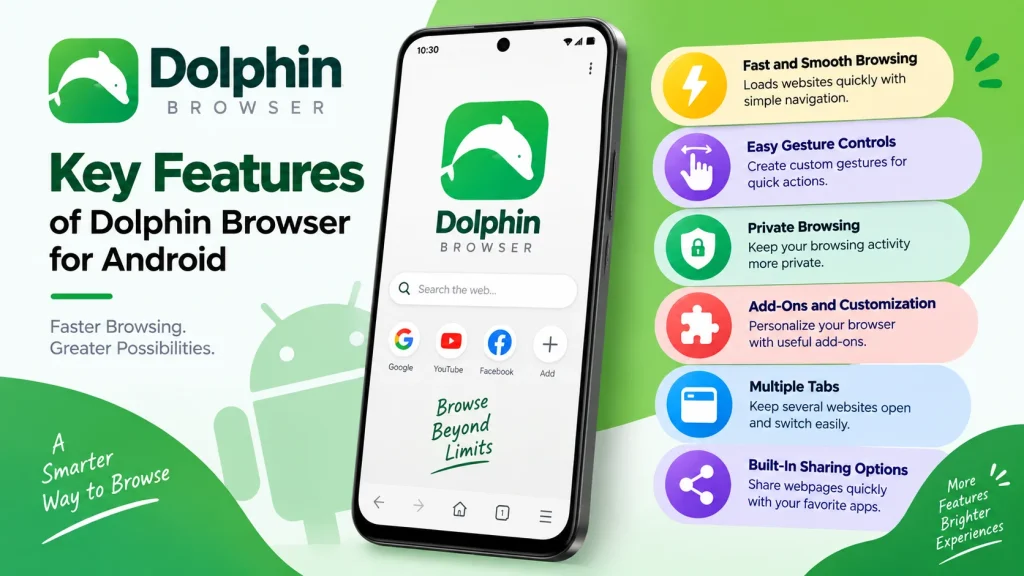
Fast and Smooth Web Browsing
Dolphin Browser is designed to provide a straightforward browsing experience with quick access to websites, search, bookmarks, and open tabs. Its interface also provides search suggestions and quick access to browsing information when you interact with the address bar.
Tabbed Browsing for Multiple Websites
Tabbed browsing allows you to keep several websites open without repeatedly closing and reopening pages. Dolphin provides a tab bar and a separate tabs list, allowing users to view and manage their open websites from the browser interface.
Gesture Controls for Faster Navigation
Gesture controls are one of Dolphin Browser’s most recognizable features because they let you perform actions by drawing symbols on the screen. For example, users can create gestures for websites or use gestures for common browsing actions instead of navigating through several menus.
Dolphin Sonar Voice Search
Dolphin Sonar provides voice-based controls for searching, sharing, and navigating around the web. Users can access the Sonar feature through the Dolphin button and use voice commands for supported browser actions.
This can be convenient when typing on a small phone keyboard feels uncomfortable.
Built-In Sharing and Saving Tools
Dolphin includes sharing options that allow users to send webpages through supported services directly from the browser. Its feature page also describes options for saving web content to services such as Evernote and Box.
Sidebars for Quick Access
The bookmark sidebar provides a quick way to access saved websites without leaving the current browsing screen. According to Dolphin’s support information, the sidebar can be opened by swiping from the left side of the screen.
Add-Ons for Extra Browser Tools
Add-ons allow users to extend Dolphin Browser with additional functions instead of relying only on its standard features. Dolphin’s official feature page gives examples such as tools for saving webpages as PDFs and translating webpages.
The availability of individual add-ons can vary depending on the browser version and current support. If a particular add-on does not work correctly, checking compatibility with your installed version is a good first step.
Dolphin Browser Privacy and Security
Privacy is an important consideration whenever you install an Android browser through an APK file. Dolphin includes features such as private mode and browsing preferences that give users more control over their browsing experience.
Private browsing can be useful when you do not want certain browsing activity stored in the normal browser history. However, private mode should not be treated as complete online anonymity because websites, networks, and other services may still collect information independently.
Is Dolphin Browser APK Safe to Use?
Dolphin Browser APK can be safe to use when downloaded from a trusted and reliable source. Users should avoid unknown third party websites because modified APK files may contain malware or unwanted software. Always check the APK version and download it from a reputable source before installing. Keeping Dolphin Browser updated can also improve security and browsing performance. Overall, Dolphin Browser APK is safer when downloaded carefully and used with proper security precautions.
How to Download Dolphin Browser APK on Android
Before installing the Dolphin Browser APK, check that your phone has enough free storage and that the APK matches your Android architecture and version. It is also a good idea to back up important browser data if you are replacing an existing installation.
Android versions differ in how they handle APK installation permissions, so the exact menu names may not be identical on every device. If installation is blocked, check the security settings for the browser or file manager you used to open the APK.
Dolphin Browser Settings and Customization
One of Dolphin Browser’s strengths is its focus on customization, allowing users to adjust the browsing experience according to their preferences. The browser provides options involving themes, bookmarks, gestures, search, private mode, desktop viewing, downloads, and add-ons.
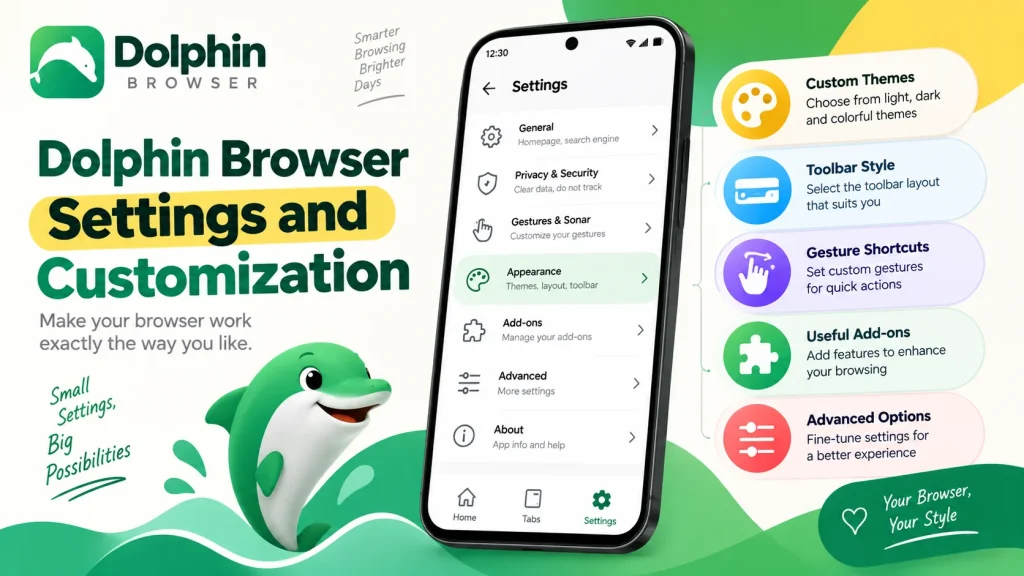
You can also choose between mobile and desktop website views through the browser’s user-agent feature. This can be helpful when a mobile website does not provide all the functions available on its desktop version.
Managing Bookmarks and Favorite Websites
Bookmarks make it easier to return to websites that you visit regularly. Dolphin lets you add a webpage to your bookmarks through the Dolphin menu or by holding the current URL and selecting the bookmark option.
You can organize your saved pages so that frequently visited websites remain easy to find. The bookmark sidebar also provides quick access without requiring you to navigate through several settings menus.
Dolphin Browser Performance and Speed
Dolphin Browser is built around a mobile-focused browsing experience with features intended to make navigation quick and convenient. However, actual performance depends on factors such as your Android device, RAM, processor, available storage, network speed, and website complexity.
If Dolphin Browser starts becoming slow, closing unnecessary tabs can be a simple first step. Clearing unnecessary browser data, restarting the application, and keeping sufficient storage available can also help improve general device performance.
Dolphin Browser APK Pros and Cons
Every browser has advantages and limitations, so Dolphin Browser may not be the right choice for every Android user. Its feature-rich design can be useful for people who enjoy customization, while users who prefer an extremely minimal interface may find some of its additional controls unnecessary.
| Advantages of Dolphin Browser | Disadvantages of Dolphin Browser |
|---|---|
| Gesture-based navigation for quick browsing | Some features depend on the browser version |
| Voice search with Dolphin Sonar | Older features may not support modern websites |
| Multiple-tab browsing support | APK installation requires extra security care |
| Easy bookmark and sidebar access | Performance can vary between Android devices |
| Support for useful browser add-ons | Some add-ons may have limited compatibility |
| Private browsing options | Certain features may no longer be actively supported |
| Customizable browsing experience | The interface may feel outdated to some users |
Dolphin Browser vs Other Android Browsers
Dolphin Browser stands out mainly because of its gesture navigation, customizable interface, add-ons, and mobile-focused controls. Traditional browsers may provide a more familiar interface, while Dolphin is aimed at users who want additional ways to interact with webpages.
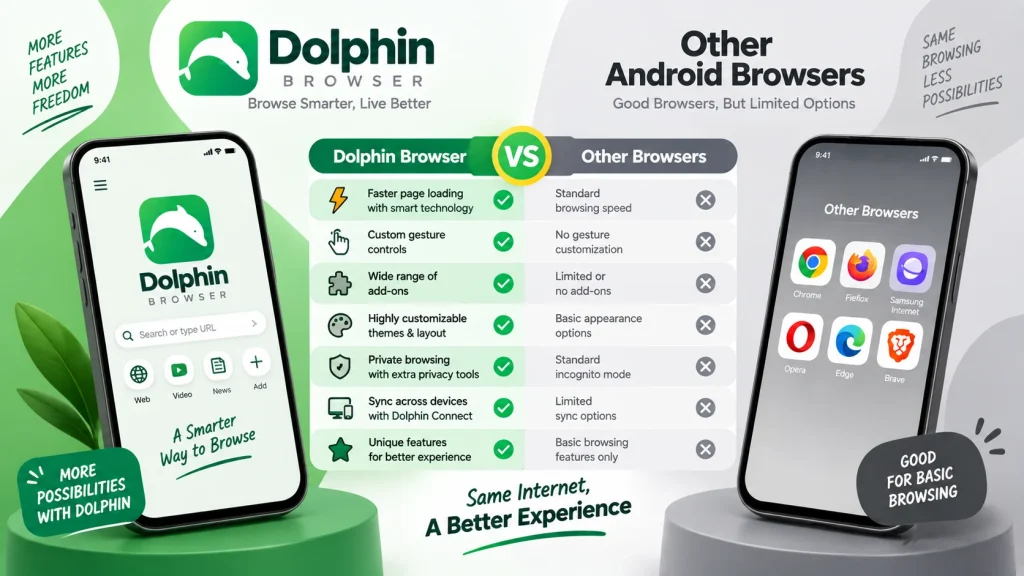
| Feature | Dolphin Browser | Basic Mobile Browser |
|---|---|---|
| Tabbed browsing | Yes | Yes |
| Gesture controls | Yes | Usually limited |
| Voice navigation | Sonar | Depends on browser |
| Add-ons | Supported | Varies |
| Private mode | Available | Usually available |
| Desktop website mode | Available | Usually available |
| Bookmark sidebar | Available | Varies |
| Customization | Strong focus | Varies |
Common Dolphin Browser APK Problems
Sometimes users may experience installation failures, crashes, missing features, or webpages that do not load correctly after installing an APK. These issues can result from an incompatible Android version, damaged APK file, insufficient storage, outdated components, or website compatibility.
Dolphin Browser APK Is Not Installing
If the APK does not install, first confirm that the file finished downloading correctly and that your phone has enough storage. You should also check whether Android is blocking installations from the source used to open the APK.
Dolphin Browser Keeps Crashing
Repeated crashes may be caused by corrupted application data, compatibility problems, or a conflict with an older installation. Restarting the phone, clearing the app cache, and reinstalling a compatible version can help identify the problem.
Websites Are Not Loading Correctly
Some websites use modern technologies that older browsers may not fully support. If a particular webpage does not display properly, try refreshing it, switching between mobile and desktop mode, or testing another website to determine whether the issue is specific to that page.
How to Update Dolphin Browser APK
Keeping the browser updated can help you access available improvements and bug fixes while maintaining compatibility with newer Android devices and websites. Before installing an updated APK, check the version number and compatibility information rather than assuming that every APK package is suitable for your phone.
If you already have Dolphin Browser installed, an update package should normally match the existing application signature and compatible package configuration. Always keep a backup of important bookmarks or browsing information before making major application changes.
Frequently Asked Questions
Final Verdict
Dolphin Browser APK remains an interesting option for Android users who want more than basic webpage navigation. Its gesture controls, tabs, Sonar, sidebars, add-ons, private mode, and customization options give it a distinctive mobile browsing experience.
If you enjoy experimenting with browser controls and want a feature-rich Android browsing application, Dolphin Browser can be worth trying. Before downloading from appdroid.net, however, make sure you check the APK version, compatibility, file details, and installation requirements so you can choose the appropriate package for your device.
