
Dropbox APK Download For Free Storage
Download Dropbox APK for Android. Get the truth about the 2 GB free tier, the 3 device limit, referral bonuses and fixes for common sync errors inside.
Category: Cloud Storage
Version
V486.2.2
Size
108 MB
Android
10+
Update Date
18 Aug. 26
Screenshots:
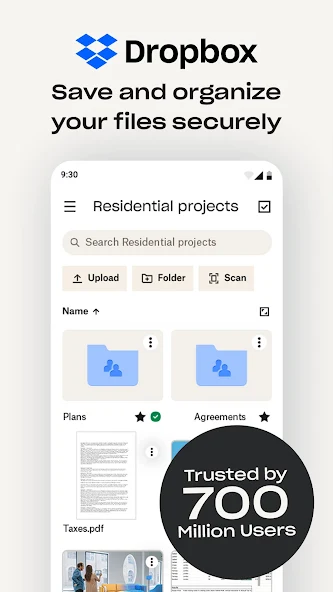
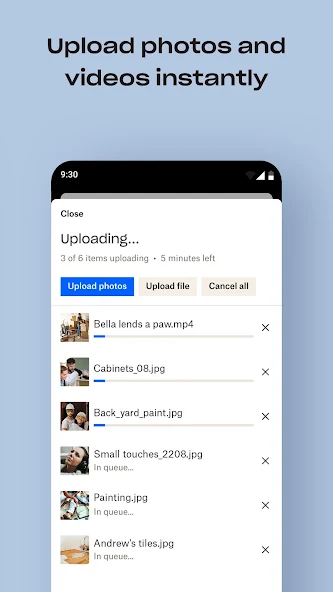
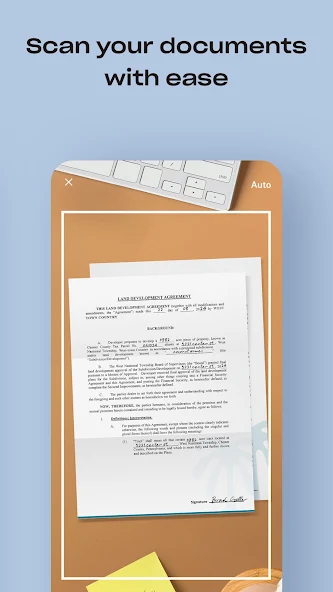

Dropbox gives new accounts 2 GB of free storage, the smallest free tier of any major cloud provider. The Dropbox APK runs on Android 6.0 and above and installs in about two minutes. You can get the current build from APPDROID.NET and sign in straight away.
That 2 GB figure has barely moved in years while competitors expanded theirs. Fifteen gigabytes on Google Drive and twenty on MEGA make Dropbox look uncompetitive on paper, and on storage alone it is. The app survives on something else entirely.
Its sync engine is still the most reliable in the category, and a second restriction catches people out. Free accounts can only link three devices. Both points are covered in full below.
Dropbox APK File Details
| Detail | Information |
|---|---|
| App Name | Dropbox: Cloud Storage Drive |
| Package Name | com.dropbox.android |
| Latest Version | 486.2.2 |
| Developer | Dropbox, Inc. |
| Category | Productivity |
| Android Requirement | Android 6.0 or higher |
| Free Storage | 2 GB |
| Device Limit (Free) | 3 devices |
| Encryption | Standard, not zero-knowledge |
| Price | Free (Plus and Family plans available) |
What Is Dropbox?
Dropbox is a file sync and cloud storage service that popularised the whole category. Files placed in your Dropbox folder appear on every linked device automatically. The Android app covers uploads, camera backup, sharing, offline files, and document scanning.
The company built its reputation on sync that simply works. Changes propagate quickly and reliably, conflicts are handled sensibly, and the desktop integration is still the smoothest available. That engineering is what people pay for.
What it no longer offers is competitive free storage. Two gigabytes fills with a single phone video. Anyone treating Dropbox as their main free drive will run out almost immediately.
Is 2 GB Still Worth It in 2026?
What 2 GB Actually Holds
Two gigabytes covers roughly 600 photos, a couple of hundred documents, or about two minutes of 4K video. It will not hold a camera roll or a media library. It comfortably holds working documents and shared project folders.
How Dropbox Compares on Free Storage
| Service | Free Storage |
|---|---|
| TeraBox | 1 TB |
| MEGA | 20 GB |
| Google Drive | 15 GB |
| pCloud | 10 GB |
| OneDrive | 5 GB |
| Dropbox | 2 GB |
Who Should Still Use It
- Anyone who needs the most reliable sync available
- People collaborating with others already on Dropbox
- Users relying on its third-party app integrations
- Anyone whose employer or client mandates it
How to Get More Free Dropbox Space
Referral Bonuses
Each person who signs up and installs the desktop app through your referral link adds space to your account. Bonuses accumulate up to a published ceiling for free accounts. The referred person must complete setup for the bonus to register.
Which Bonuses Still Work
Several older promotions have been retired over the years, so historical guides overstate what is available. Referrals remain the most dependable route. Check the account page for any current offers before chasing outdated ones.
Maximum Free Storage Possible
Referral bonuses are capped well below what rivals give away at signup. Even a fully maximised free account stays behind Google Drive. Treat the bonuses as a top-up rather than a solution.
Dropbox Free Device Limit
Free accounts can link only three devices at a time. A phone, a laptop, and a tablet uses your entire allowance. Adding a fourth requires unlinking an existing one from the account settings.
This limit surprises people more than the storage cap does. Anyone switching phones regularly should unlink the old device before setting up the new one. Paid plans remove the restriction entirely.
The 100 MB Web Upload Limit
Files uploaded through the browser on a free account are capped at 100 MB each. The mobile and desktop apps carry a far higher ceiling. Use the app rather than the website for anything large.
Key Features of Dropbox
- Reliable Sync Engine
- Sync is genuinely better here than anywhere else in the category. Changes propagate quickly, conflicts are handled cleanly, and large folders stay consistent. This is the main reason long-term users stay.
- File Sharing and Links
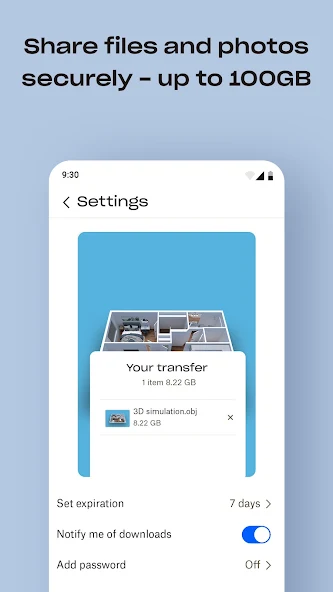
- Any file becomes a shareable link in two taps, and recipients need no account. Links can carry passwords and expiry dates on paid plans. Permissions can be set to view or edit.
- Automatic Camera Upload
- New photos copy to your account as you take them. The 2 GB ceiling makes this impractical for a full camera roll. Selective folder backup works better on a free plan.
- Offline Files
- Files marked for offline access stay readable without a connection. Changes sync when you reconnect. The feature works reliably on the free tier.
- File Recovery and Version History
- Deleted files and previous versions can be restored within a set window. Free accounts get 30 days of history. This has saved a lot of people from bad edits.
- Third-Party App Integrations
- Dropbox connects to more external tools than any competitor on this list. Document editors, design apps, and workflow tools all support it natively. That ecosystem is a genuine advantage.
Dropbox Free vs Paid Plans
| Feature | Basic (Free) | Plus / Family |
|---|---|---|
| Storage | 2 GB | 2 TB and up |
| Linked Devices | 3 | Unlimited |
| Web Upload Limit | 100 MB | Much higher |
| Version History | 30 days | 30 to 180 days |
| Link Passwords | No | Yes |
| Ads | No | No |
System Requirements
| Requirement | Minimum | Recommended |
|---|---|---|
| Android Version | 6.0 | 9.0 or newer |
| RAM | 2 GB | 4 GB or more |
| Free Storage | 100 MB | 400 MB |
| Internet | Stable 4G | 5G or Wi-Fi |
How to Download and Install Dropbox APK on Android
- Open your browser and visit APPDROID.NET.
- Tap the Dropbox APK Download button on the page.
- Wait for the file to finish downloading.
- Open your settings and allow installs from unknown sources for your browser.
- Tap the downloaded file and choose Install.
- Launch the app and sign in or create an account.
- Grant the storage and photo permissions it requests.
Check your linked device count before installing on a new phone. If you are already at three, unlink an old device first to avoid being blocked.
How to Use Dropbox
- Tap the plus icon to upload a file or create a folder.
- Long-press any file and choose Share to generate a link.
- Tap the three-dot menu and select Make available offline where needed.
- Open Settings to manage camera upload and linked devices.
Deleted files stay recoverable for 30 days on the free plan. The version history feature works the same way for edited documents.
Is Dropbox Safe?
Dropbox is an established American company with mature security practices and a long operating record. Files are encrypted in transit and at rest, and two-factor authentication is available.
Does Dropbox Have End-to-End Encryption?
No. The company holds the encryption keys and retains technical access to your files. MEGA, Internxt, and Sync.com all encrypt on your device before upload, which Dropbox does not.
Where Your Files Are Stored
Servers are located primarily in the United States, with regional options on business plans. Personal accounts fall under US data jurisdiction. That is standard for the category but worth knowing.
Dropbox vs TeraBox
| Feature | Dropbox | TeraBox |
|---|---|---|
| Free Storage | 2 GB | 1 TB |
| Device Limit | 3 on free | No limit |
| Download Speed | Full speed | Throttled |
| Encryption | Standard | None |
| Ads on Free | No | Yes |
| Sync Quality | Best in class | Basic |
| Best For | Working files | Large archives |
TeraBox gives five hundred times more free space. Dropbox gives better sync, no ads, and full download speeds. On free storage alone this is not a close contest.
Pros and Cons of Dropbox
| Pros | Cons |
|---|---|
| Best sync engine in the category | Only 2 GB free storage |
| No ads on any plan | Three-device limit on free |
| 30-day version history free | 100 MB web upload cap |
| Widest third-party integrations | No end-to-end encryption |
| Full-speed downloads | Referral bonuses are capped low |
| Reliable and long established | Paid plans cost more than rivals |
Dropbox Not Working? Common Errors and Fixes
Storage Full Message
- Two gigabytes fills quickly, so review what you have stored.
- Empty the deleted files section, since they still count.
- Move large media to a service with a bigger free tier.
Device Limit Reached
- Free accounts allow only three linked devices.
- Open account settings and unlink a device you no longer use.
- Upgrade if you genuinely need more than three.
Upload Failed
- Check that your connection is stable.
- Confirm you have space remaining.
- Use the app rather than the browser for files over 100 MB.
Camera Upload Not Working
- Confirm camera upload is enabled in settings.
- Grant full photo and media permissions.
- Turn off battery optimisation for Dropbox.
Files Not Syncing
- Force close and reopen the app.
- Confirm you are signed into the correct account.
- Check whether you have hit your storage limit.
Best Alternatives to Dropbox
Google Drive gives 15 GB free with far better document collaboration. MEGA offers 20 GB free with zero-knowledge encryption included. pCloud provides 10 GB free with lifetime plans and no device limit.
Anyone choosing on free storage alone should look elsewhere. Dropbox is worth keeping only if its sync quality or integrations specifically matter to your work.
Final Verdict
Dropbox still builds the best sync engine in cloud storage, and its integration ecosystem remains unmatched. For teams already working inside it, or anyone who needs changes to propagate flawlessly, those strengths are real and hard to replace.
The free plan is not competitive in 2026. Two gigabytes, a three-device cap, and a 100 MB web upload limit place it well behind every rival on this list. Use Dropbox because you need what it does well, not because of what it gives away.
Get the current build and full specifications from APPDROID.NET, updated whenever a new version ships.
