

King WhatsApp APK Download Latest Version for Android
King WhatsApp is a lesser-known modified WhatsApp build offering privacy controls, customization, themes, and additional messaging features in a relatively compact package. This guide explains what it offers, how to install it, how to evaluate an unfamiliar APK before use, and why official or actively maintained alternatives may be preferable when security is the priority.
Category: Communication App
Version
v18.80
Size
87 MB
Android
7.0+
Update Date
18 – 8 – 26
Screenshots:


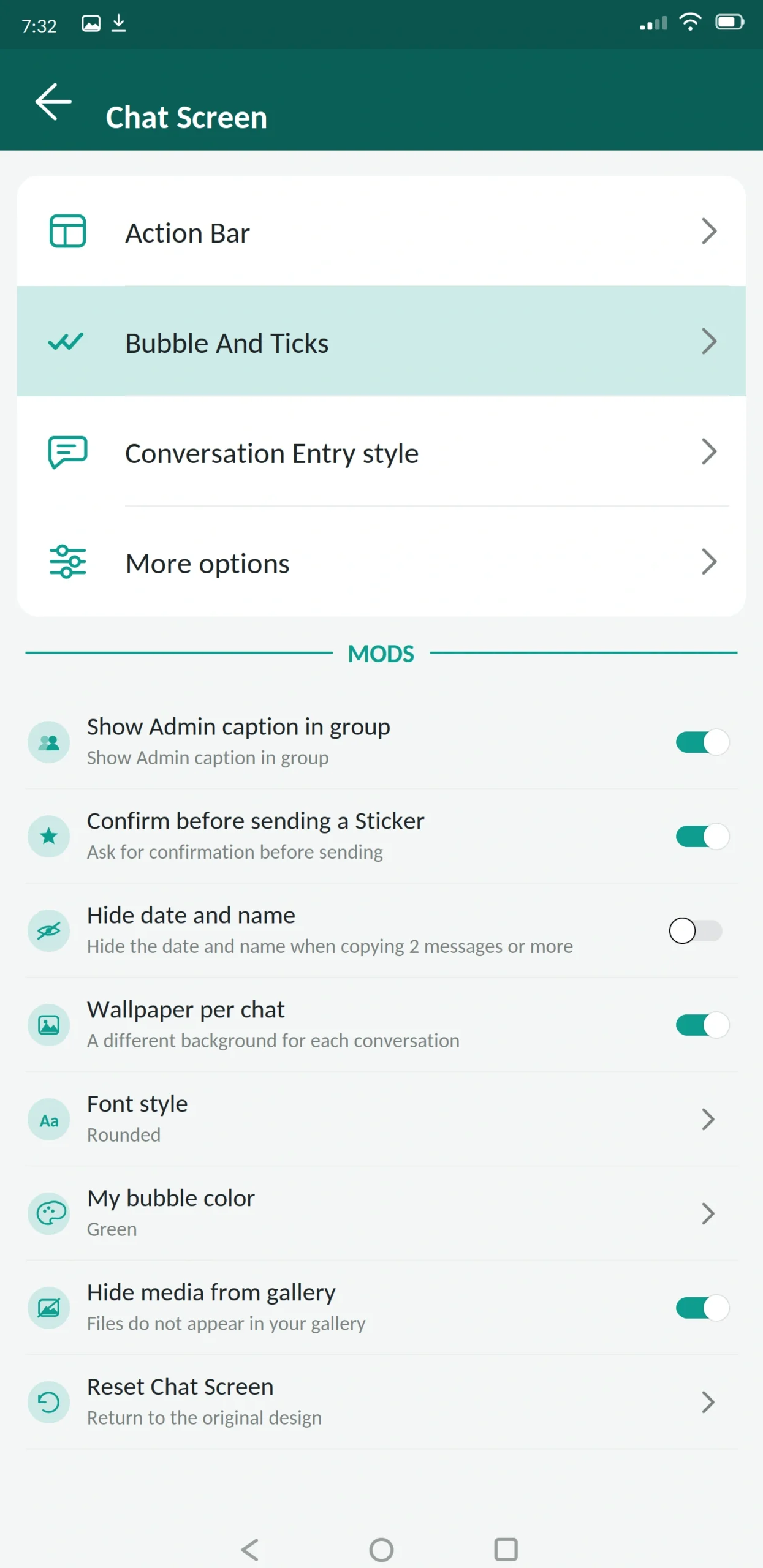

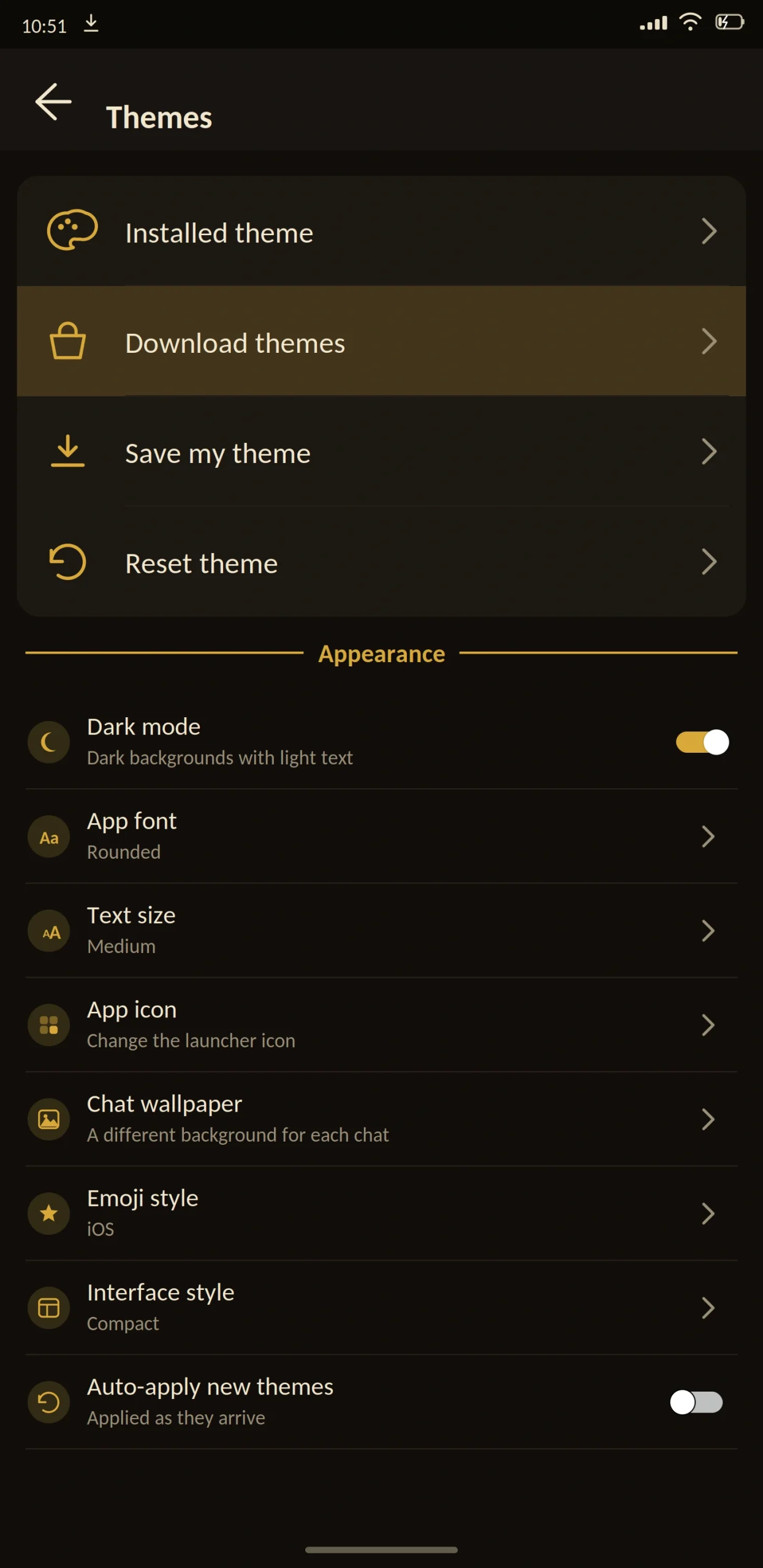
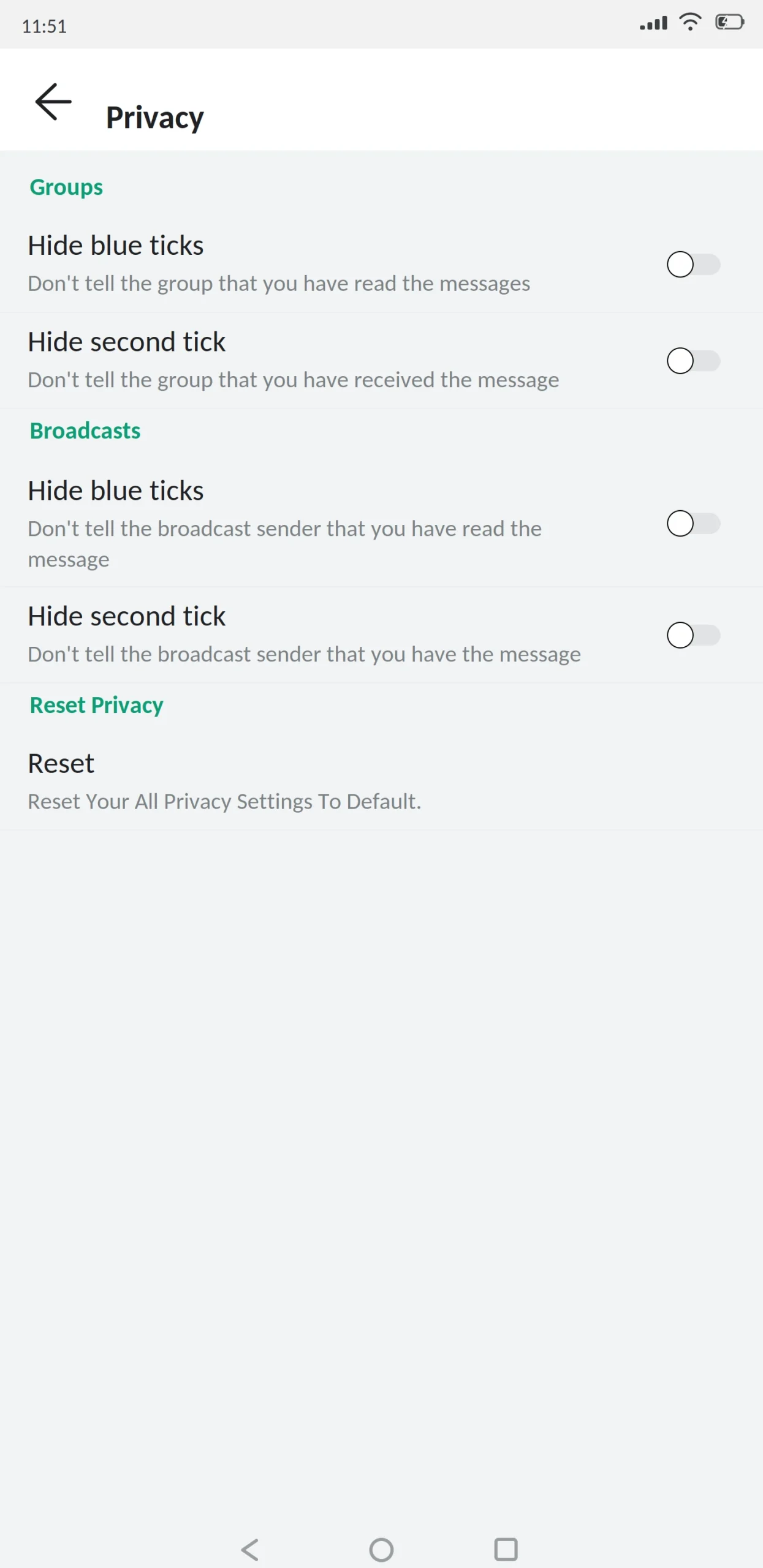
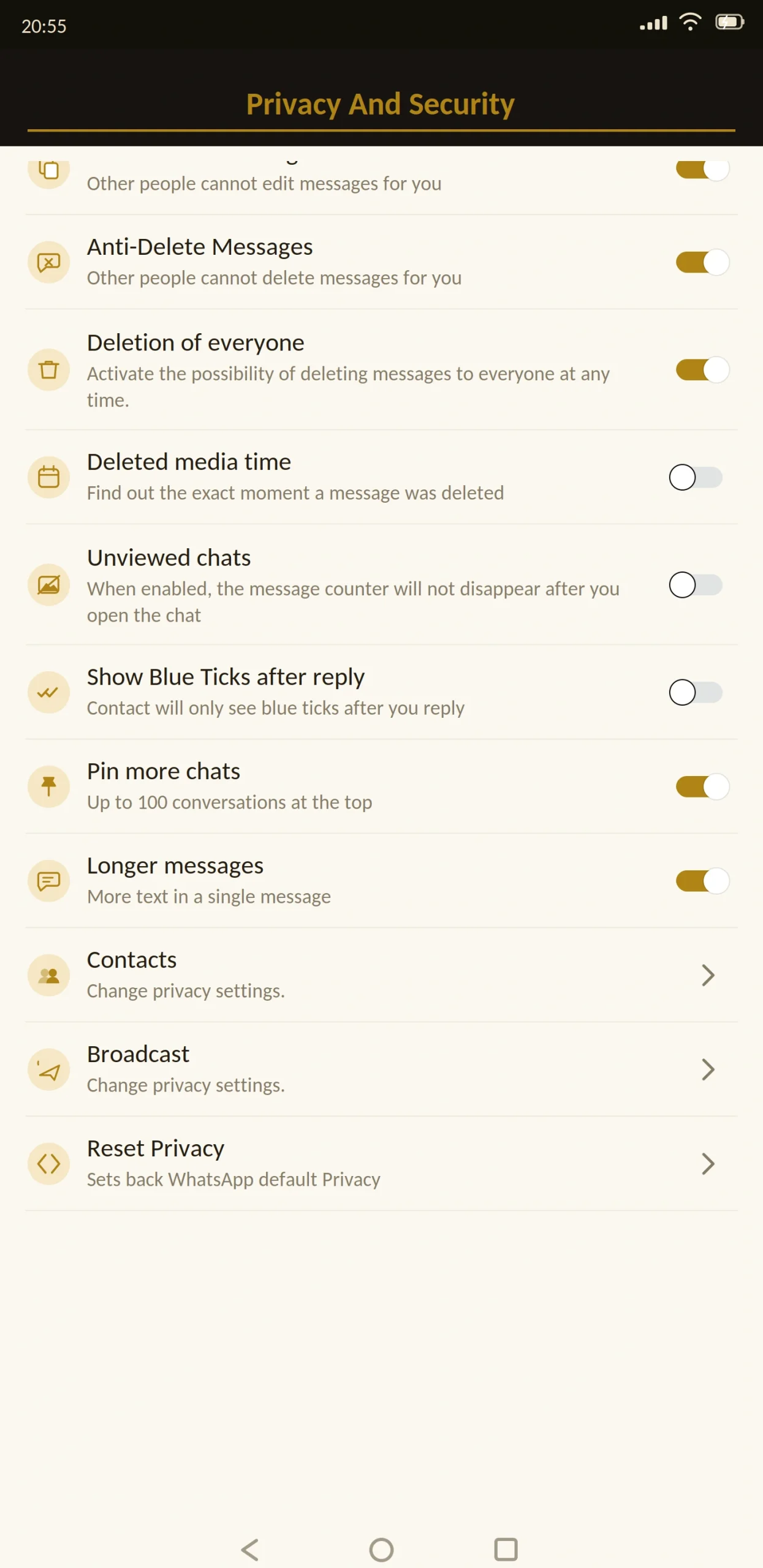

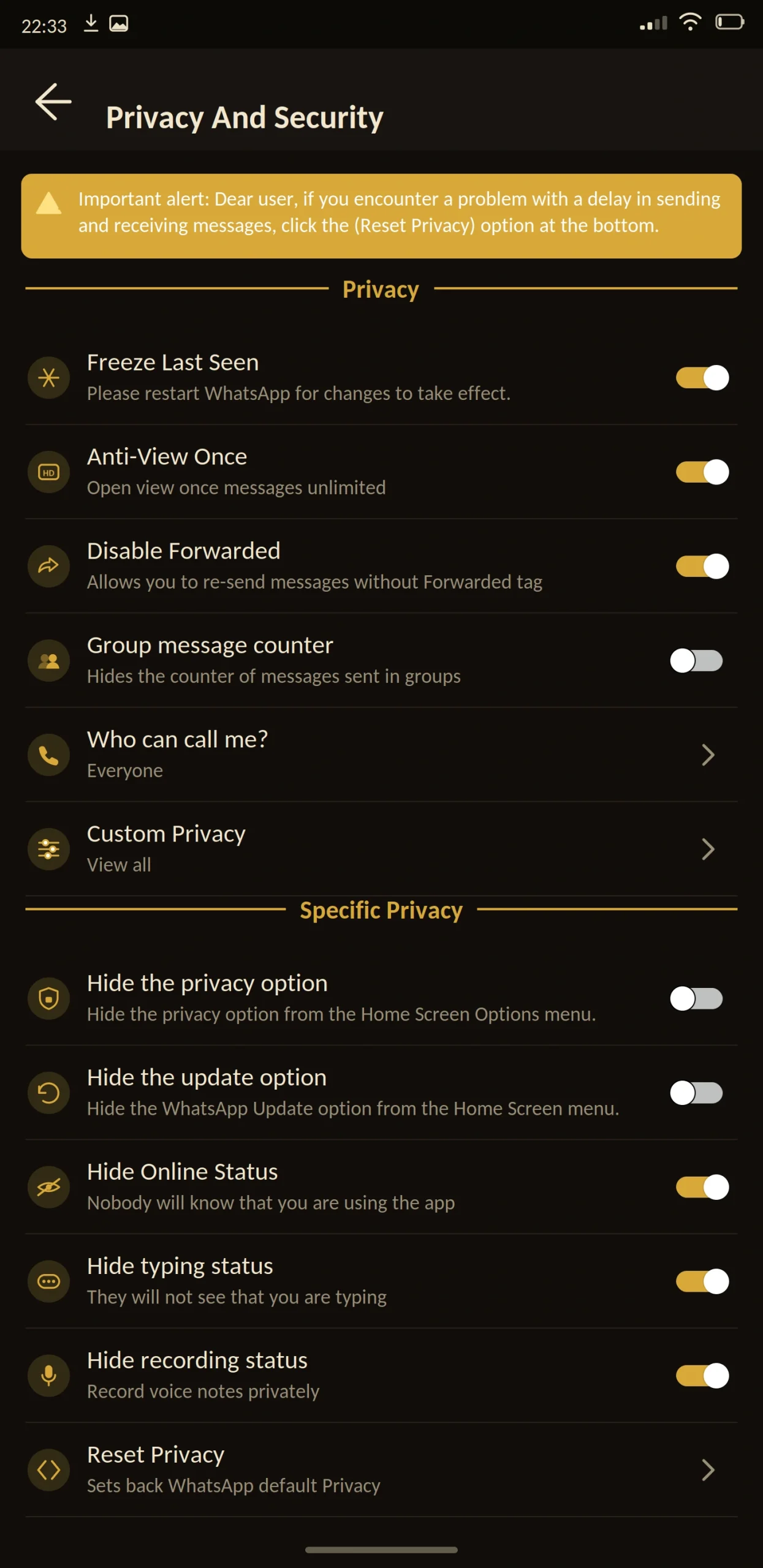
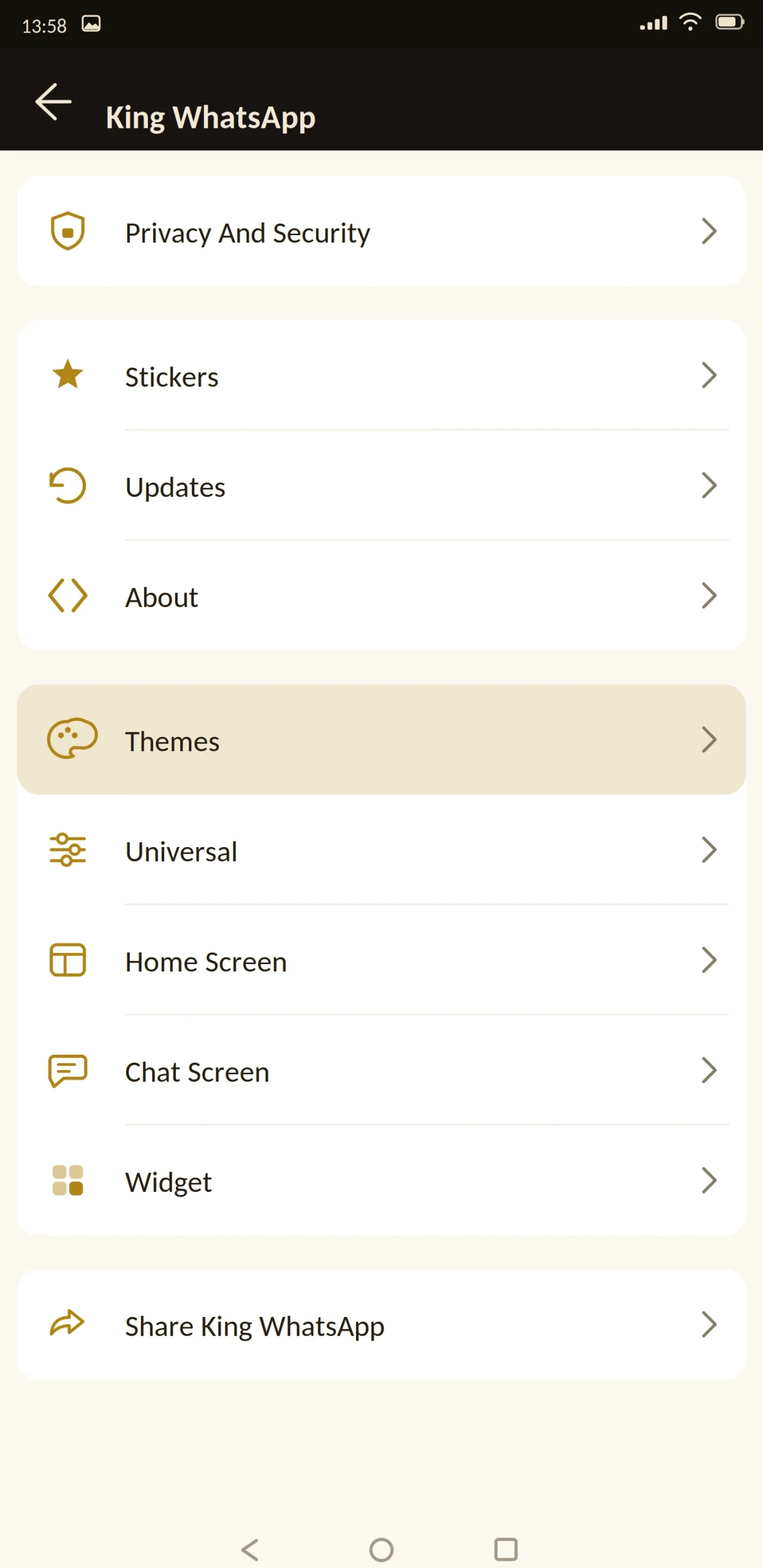
King WhatsApp is a modified version of WhatsApp offering the standard mod feature set privacy controls, custom themes, larger file limits in a smaller, less widely used package.
It is worth being straightforward about that last part. This is not one of the major mods, and choosing a smaller build changes what you should check before installing. This guide covers the app and how to evaluate it properly.
This guide from appdroid.net covers the features, the setup, and the risks in plain language.

App Specifications
| Detail | Information |
|---|---|
| App name | King WhatsApp |
| Version | v18.80 |
| File size | 87 MB |
| Android required | 5.0 or higher |
| Base version | WhatsApp 2.26.x |
| Developer | Independent |
| Price | Free |
| Play Store | Not available |
| Root needed | No |
What Is King WhatsApp?
King WhatsApp is an unofficial build of WhatsApp for Android. Developers take the official app, add features Meta left out, restyle the interface, and release it as an APK you install manually.
Underneath it is still WhatsApp. Same number, same contacts, same servers, same messages. It positions itself as a premium-feeling mod, with a gold and dark colour scheme and a heavier emphasis on visual polish than most builds of its size.
How to Judge a Smaller Mod
The major mods GB, Fouad, Yo, Aero have large user bases, and problems get reported and fixed quickly. Smaller builds do not have that safety net, so you have to do the checking yourself.
Here is what actually matters.
When was it last updated? This is the single most important signal. Anti-ban protection ages badly. A build last updated eight months ago is running detection avoidance from eight months ago, and Meta has moved since. If the most recent version is more than three or four months old, treat that as a warning.
Does the version number track WhatsApp’s base? Mods are built on a specific WhatsApp release. If the mod claims to be current but is built on a base from a year ago, features will be missing and bugs will have been fixed upstream that never reached you.
Is the file size consistent across sources? If three sites list three very different sizes for the same version, at least two of them are distributing something that is not the original build.
What permissions does it request? Contacts, storage, camera, microphone and notifications are expected. Accessibility services and device administrator access are not, and neither has any legitimate role in a messaging app.
Is there any community around it? Not a marketing signal a practical one. If nobody is discussing a mod anywhere, nobody is catching problems with it either.
Apply those five checks to any mod, including this one. They take five minutes and they filter out most of what goes wrong.
Main Features
Privacy
The privacy set is complete, which is standard across mods. This is where builds rarely differ, because it is the reason people install them.
Customization
A gold-and-dark default theme, plus a theme store, custom fonts and text sizes, bubble and tick styling, per-chat wallpapers, and a changeable app icon.
The visual style is the main differentiator it is more consistently designed than most mods of similar size, with a coherent look rather than a collection of borrowed elements.
Messaging
Message scheduler, auto reply, send to a number without saving it as a contact, more pinned chats, and longer status updates.
Security
App lock with fingerprint, PIN or pattern. Chat lock for individual conversations. Two-step verification with a recovery email turn this on the day you install, regardless of which mod you use.
Anti-ban protection is included. As a smaller project, how promptly it responds to Meta’s changes is the main open question, and the update-date check above is how you assess it.
Media
Images at original resolution, video without heavy compression, and files above the official limits. Photos can be sent as documents to bypass processing.
What’s New in the Latest Version
The base was updated to match current WhatsApp, so recent official features work.
The gold theme was refined for consistency across screens, and additional accent options were added. Storage permission handling was fixed for Android 14 and 15, resolving backup failures on some devices. Anti-ban was refreshed.
Also added: message edit history, in-chat translation, and per-chat control of automatic media downloads.
King WhatsApp vs Official WhatsApp
| Feature | King WhatsApp | Official WhatsApp |
|---|---|---|
| Hide online status | Yes | No |
| Freeze last seen | Yes | No |
| Hide blue ticks | Yes | No |
| Anti-delete messages | Yes | No |
| Anti-view-once | Yes | No |
| View status anonymously | Yes | No |
| Custom themes | Yes | Light/dark only |
| Message scheduler | Yes | No |
| Auto reply | Yes | Business app only |
| Built-in app lock | Yes | Device level only |
| Larger file limits | Yes | No |
| Play Store | No | Yes |
| Automatic updates | No | Yes |
| Large user base | No | Yes |
| Ban risk | Real | None |
Best Alternatives
GB WhatsApp Pro — the largest feature set and the largest user base, meaning problems get found and fixed fastest.
Fouad WhatsApp — a named developer with a long track record and a strong anti-ban record.
FM WhatsApp — lighter, stable, from the same developer as Fouad.
Yo WhatsApp — if theming is what drew you to a mod in the first place.
WhatsApp Aero — if you want a genuinely distinct interface rather than a restyled one.
Signal — if privacy rather than customization is the actual goal. Open source, independently audited, no account risk.
To be direct: if nothing about King WhatsApp specifically appeals to you, the major mods are the safer default. Larger projects update faster and their problems surface sooner.
Is King WhatsApp Safe?
The standard mod risks apply, with size adding one more consideration.
Account bans are a real risk. Using a modified client breaks WhatsApp’s terms of service and Meta actively looks for them. Anti-ban here works, but a smaller project responds to Meta’s detection changes more slowly than a large one, simply because there are fewer people working on it.
Encryption cannot be independently verified. A modified app is built by taking a closed-source application apart. Nobody outside the developer can confirm the encryption path is intact, and nobody can prove it is broken. That is true of every mod, and it is reason enough to keep genuinely sensitive conversations on the official app.
Fewer users means fewer eyes. If something were wrong with a build used by millions, it would surface quickly. A build used by far fewer people might not get that scrutiny. This is not an accusation about this specific mod — it is a structural feature of smaller projects worth understanding.
Fake APK files are the practical danger. Any file can be altered before reaching you. Scan it, compare the size against what is published, and read every permission at install.
Do not install this if your number carries your business, your payments, or is the only way important people reach you.
What to Know Before Installing
Google Drive backup does not work. Local backups only, stored outside the app.
Backups will not transfer from other mods. Different package names and signing keys.
Check the update date before you commit. More than with the major mods, this determines whether the anti-ban protection is current.
How to Download and Install
Back up your chats in your current app first and let it finish completely. Copy important photos and documents somewhere separate too.
Check you have at least 200 MB free. Enable “unknown sources” when Android prompts you, granting it to your browser rather than system-wide.
Open the file and read the permission list carefully. Contacts, storage, camera and microphone are expected for a messenger. Anything else particularly accessibility services or device administrator access — means stop.
Enter your number and confirm it with the SMS code. Never share that code with anyone. No app, website or support agent needs it, and anyone asking is trying to take your account.
Restore your backup, review the privacy settings, then go back into Android settings and turn unknown sources off again.
How to Update
Back up before every update. Install the newer file over the existing app without uninstalling, which preserves chats and settings.
With a smaller mod, checking for updates monthly is sensible. If several months pass with no release, back up your chats and move to a maintained build an abandoned mod with outdated anti-ban is the most likely one to cost you your account.
Backup and Restore
Mods cannot use Google Drive, so local backups are the only option. Getting this right is the difference between switching smoothly and losing years of messages.
Back up inside the app. Settings, then Chats, then Chat Backup. Let it finish completely before you close anything. On a busy account this takes several minutes.
Copy the folder somewhere safe. Use a file manager to find the database and media folders, and copy them to another folder, an SD card, or a computer. Do not rename anything the app looks for exact folder names.
Keep important media separately. Photos, voice notes and documents that matter should also live outside the app entirely. If a full restore fails, that separate copy is the only thing that saves you.
Why restores fail. Every build uses its own package name and signing key. A backup created in one mod is often unreadable to another, and there is no reliable way to convert between them. This single issue causes more lost conversations than every other problem combined, which is why the backup step comes first in every guide rather than as an afterthought.
What Happens If You Get Banned
Restrictions come in two forms and they are not the same.
A temporary ban shows a countdown timer and lifts on its own. Wait it out. If you need the number working in the meantime, install official WhatsApp and use it until the timer expires.
A permanent ban is harder. Appeals rarely succeed for accounts flagged as using a modified client, because the terms of service genuinely were broken. Some people report success by switching to the official app, using it normally for several weeks, then appealing but there is no reliable method, and anyone selling you one is taking your money for nothing.
Prevention is the only approach that works. Stay on the current build, avoid bulk messaging and mass forwarding, and keep your primary number off any mod if losing it would cause real damage.
Common Problems and Fixes
Requirements and Additional Information
Android 5.0 is the minimum, though 8.0 and above runs noticeably better. You need roughly 200 MB of free storage and at least 1 GB of RAM for comfortable use. Root access is not required.
Installing needs “unknown sources” enabled for whichever app you download with, and that permission should be switched off again once you are finished.
One thing worth stating plainly: this is a modified version of an application, built by an independent third party with no connection to Meta, to WhatsApp LLC, or to appdroid.net. Downloading, installing and using it is entirely your own responsibility, and the consequences including any loss of data or access to your account rest with you.
Frequently Asked Questions
Pros and Cons
| Pros | Cons |
|---|---|
| Complete privacy feature set | Much smaller user base than the major mods |
| Coherent, well-designed visual style | Anti-ban may respond slower to detection changes |
| Standard mod extras all present | Fewer people finding and reporting problems |
| Reasonable file size | Encryption cannot be independently verified |
| Free | Real risk of account restriction |
| Familiar interface | Manual updates, no Drive backup |
Verdict
King WhatsApp does what it says. The privacy controls are complete, the interface is more coherently designed than most builds of its size, and everything you would expect from a mod is present.
The honest framing is about scale rather than quality. A smaller project means fewer people finding bugs, fewer people noticing if something goes wrong, and potentially slower responses when Meta changes how it detects modified clients.
That is not a reason to avoid it. It is a reason to run the checks release date, base version, file size, permissions before installing, and to keep checking for updates rather than assuming they will arrive.
If the visual style is what appeals to you, it is a reasonable choice made carefully. If you just want a mod and have no particular preference, GB WhatsApp Pro or Fouad WhatsApp are the safer defaults.
Whichever you pick: back up before installing, never share your verification code, and turn unknown sources back off when you are finished.