Via Browser APK Download Latest Version (7.1.0) 2026

Via Browser Download APK Latest Version (7.1.0)
Via Browser APK is a lightweight and fast Android browser offering smooth browsing, privacy features, customization options, and a simple user friendly interface. Don’t Wait Download now!
Category: Browser
Version
v7.1.0
Size
4 MB
Android
4.4+
Update Date
18 – Aug – 26
Screenshots:
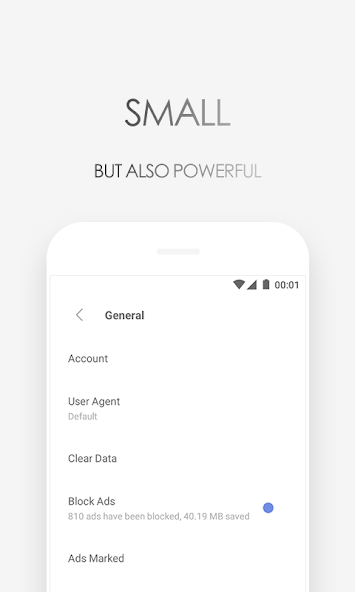
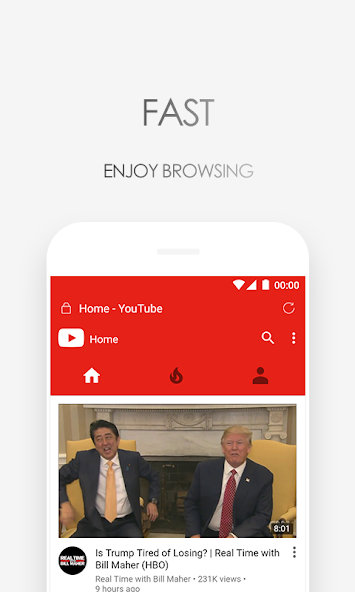
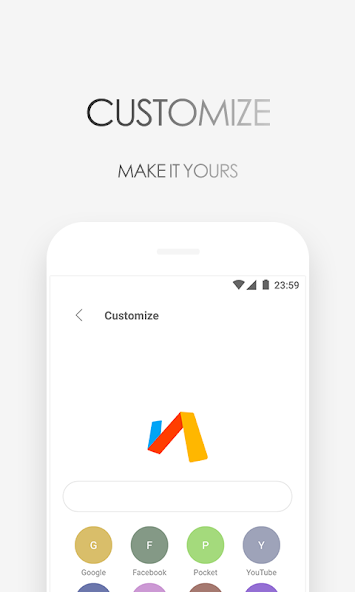
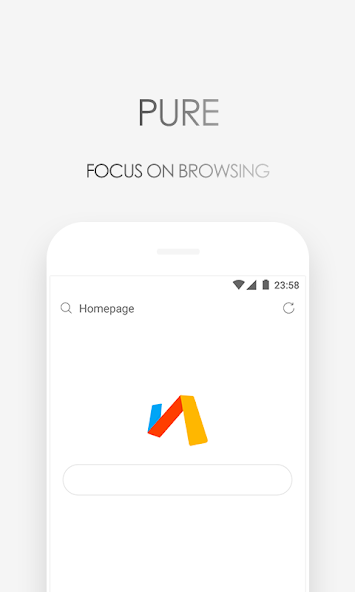
What Is Via Browser APK and How Does It Work?
Via Browser APK is a small Android browser that focuses on speed, simplicity, and low resource use. Unlike browsers with many large built-in services, Via Browser keeps its interface simple and gives users quick access to the web. Its lightweight design can make it a useful option for phones with limited storage or RAM.
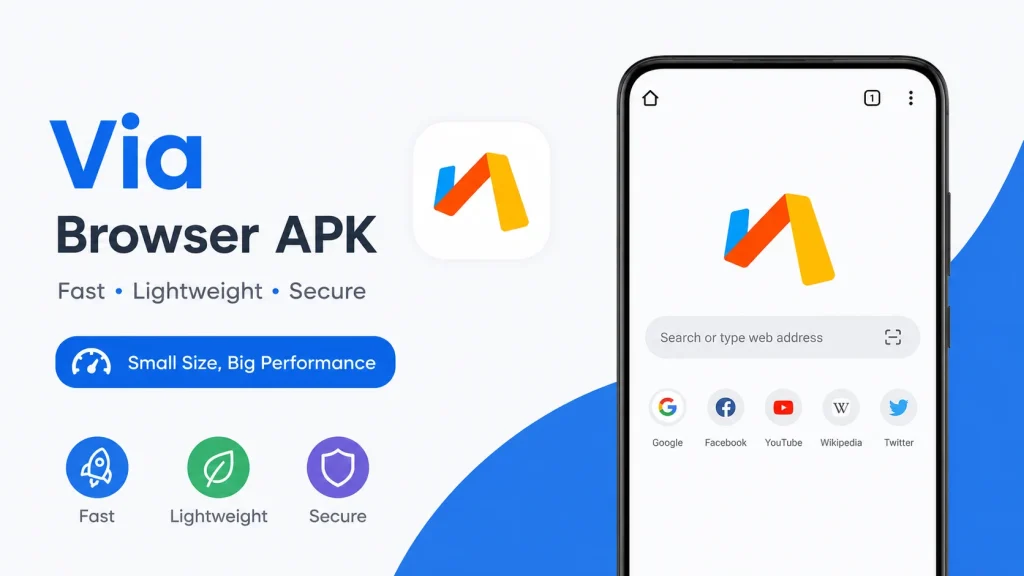
The browser lets you search the web, open websites, save bookmarks, manage tabs, and change several browser settings. You can also use tools such as an ad blocker, night mode, desktop mode, page translation, and find-in-page. These options give users more control over how websites appear and work on their phones.
Why Choose Via Browser for Fast and Lightweight Browsing?
One of the main reasons users choose Via Browser is its small and lightweight design. The browser is built around the idea of providing common web tools without requiring a large amount of device space. This can be helpful for users who have older Android phones or limited internal storage.
A lightweight browser can also feel more comfortable on devices with modest hardware. Via Browser keeps its interface simple, which reduces unnecessary elements on the screen and gives websites more room to appear. Users who prefer a clean browser instead of a feature-heavy application may find this approach useful.
Key Benefits of Via Browser
Key Features That Make Via Browser Different
Via Browser combines a lightweight design with useful browsing tools. It offers customization, privacy options, ad blocking, night mode, and other features in a simple interface.
Fast Browsing With Low RAM
Via Browser offers features that can help reduce unnecessary data usage. However, videos, images, and large website content can still consume significant mobile data.
Built-in Ad Blocker
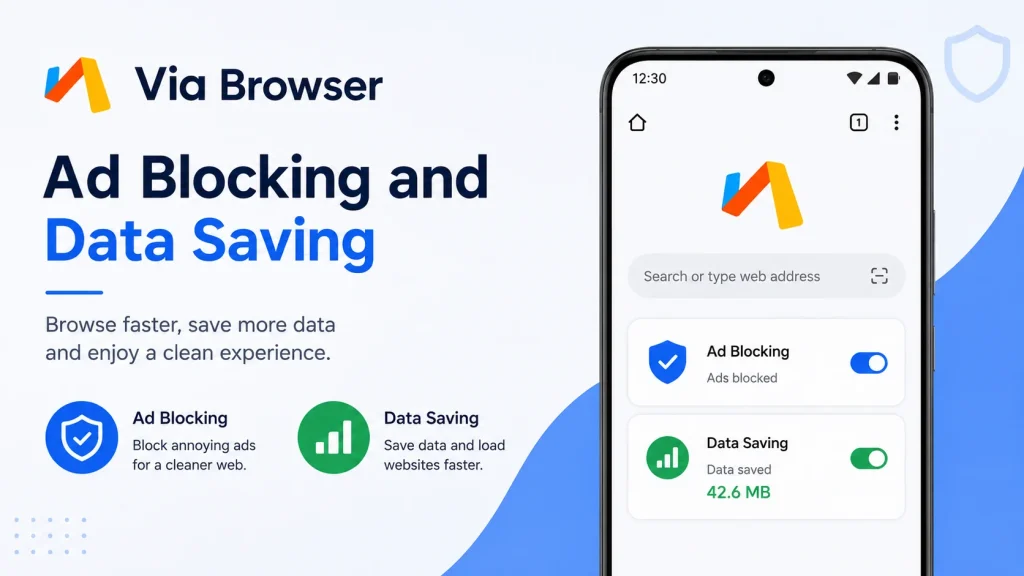
The built-in ad blocker can reduce certain advertisements and unwanted page elements. It can make supported websites cleaner and easier to read.
Customization Options
Users can customize the homepage according to their preferences. Shortcuts and other options can make frequently visited websites easier to access.
Private and Secure
Via Browser provides privacy-related options for better control over browsing activity. Private browsing can also help prevent normal history records from being saved locally.
Night Mode
Night mode provides a darker browsing experience that can feel more comfortable in low-light conditions. Users can enable it whenever they prefer a darker interface.
Desktop Mode
Desktop mode lets users request the desktop version of a website. It can be useful when a mobile page does not provide all available features.
Data Saving Features
Via Browser uses a lightweight design that can help reduce storage and resource usage. This makes it a practical option for older or low-end Android devices.
Find-in-Page Tools
The browser includes useful tools such as page translation and find in page. These features can make reading and searching through long web pages easier.
Bookmarks
multiple open pages through tabs. These tools make regular browsing more organized.
Via Browser Interface and Customization Options
The Via Browser interface is designed around simplicity rather than a large number of buttons. Important controls are kept easy to reach while less common options remain inside the browser menu. This can make the browser comfortable for users who prefer a minimal Android browser.
Customization also helps users change the browser according to their habits. Homepage shortcuts, search preferences, appearance options, and other controls can be adjusted when needed. The result is a browser that can look and work differently depending on how each user configures it.
Via Browser Performance, Speed and Resource Usage
Performance is one of the strongest areas of Via Browser because its design focuses on keeping things simple. A lightweight browser can require less storage and may feel responsive on devices with limited hardware. However, the actual browsing speed is always affected by the internet connection, device performance, website size, and server response.
Pages with large images, videos, scripts, and advertisements can take longer to load in any browser. Via Browser cannot remove every factor that affects website speed. Its lightweight design simply provides a practical base for users who want fewer browser resources and a cleaner interface.
Via Browser Privacy and Security Features
Via Browser offers privacy-related settings that can give users greater control over their browsing activity. Options such as private browsing and data management can help users decide what information remains on the device. These tools are useful for people who want more control over their local browser history and related data.
Users should still follow basic browser security habits while using any Android browser. Avoid suspicious websites, check downloads before opening them, and do not enter sensitive information on pages that you do not trust. Keeping Android and important applications updated is also a useful security practice.
Via Browser Ad Blocking and Data Saving
The combination of ad blocking and lightweight browsing is one of the reasons Via Browser can appeal to mobile users. Fewer unwanted page elements may make some websites easier to read and can reduce the amount of content loaded from certain sources. This can sometimes create a cleaner experience on slower connections.
Data saving should not be considered unlimited data protection. Videos, large downloads, high-resolution images, and other heavy content can still use a large amount of data. Users with strict data limits should combine browser features with Android’s built-in data controls.
What Can You Customize in Via Browser?
Via Browser provides several customization choices that can change the way the browser looks and behaves. Users can adjust the homepage, search engine, appearance, and other browser preferences according to their needs. This flexibility is useful for people who want more control than a standard browser setup provides.
Popular Customization Options
| Customization | What It Does |
|---|---|
| Homepage | Lets you arrange the main browser screen |
| Search Engine | Lets you select a preferred search service |
| Night Mode | Provides a darker viewing experience |
| Desktop Mode | Requests desktop versions of websites |
| Ad Blocker | Reduces certain unwanted advertisements |
| Bookmarks | Saves useful websites for later access |
| Browser Settings | Provides additional control over browser behavior |
You do not have to customize everything at once. Start with the options that matter most to you and leave the other settings unchanged. This keeps the browser simple while still giving you useful personal controls.
Via Browser APK Pros and Cons
Via Browser has several useful features, but it may not offer everything found in larger browsers. Its main strengths are lightweight performance, customization, and simplicity.

Pros
- Lightweight design
- Simple interface
- Ad blocking
- Homepage customization
Cons
- Some websites may not work perfectly
- Advanced browser services may be limited
- Ad blocking may not remove every advertisement
- Performance depends on the device and connection
Via Browser vs Other Android Browsers
Via Browser focuses on lightweight performance and simplicity, while other browsers may offer larger ecosystems and additional services. The best option depends on your preferred features and browsing habits.
| Feature | Via Browser | Google Chrome | Firefox | Opera Mini |
|---|---|---|---|---|
| Lightweight Design | Yes | No | No | Yes |
| Low Storage Usage | Yes | Higher | Higher | Yes |
| Built-in Ad Blocking | Yes | Limited | Yes | Yes |
| Night Mode | Yes | Yes | Yes | Yes |
| Desktop Mode | Yes | Yes | Yes | Yes |
| Homepage Customization | High | Basic | Good | Basic |
| Privacy Controls | Yes | Yes | Strong | Yes |
| Data Saving | Yes | Limited | Limited | Strong |
| Simple Interface | Yes | Moderate | Moderate | Yes |
| Best For | Lightweight browsing | Google services | Privacy & customization | Data saving |
Is Via Browser Safe and Reliable to Use?
Via Browser provides useful privacy and browsing controls for everyday use. For better security, always install APK files from trusted sources and avoid suspicious websites or downloads.
Is Via Browser Safe to Use?
Via Browser can be considered a practical option for users who want a simple Android browsing experience. Like any browser, its safety also depends on how users interact with websites, downloads, permissions, and online accounts. It is important to use trusted sources and avoid suspicious files or websites.
Before installing any Via Browser APK, check the file carefully and make sure it comes from a source you trust. Do not grant unnecessary permissions simply because an application requests them. APPDROID.NET recommends paying attention to basic security practices whenever you install an Android application..
Who Should Use Via Browser?
Via Browser is suitable for users who want a simple, fast, and lightweight browser. It can also be useful for people using older Android phones or devices with limited storage.
How to Install and Set Up Via Browser
Before installation, make sure your Android device has enough free storage and that the APK file comes from a trusted source. Open the APK file, follow the Android installation instructions, and allow the required installation permission only when necessary. After installation, open Via Browser and adjust the homepage, search engine, privacy, and appearance settings according to your needs.
Simple Setup Steps
There is no need to change every setting immediately after installation. Start with the basic options and test the browser with your normal websites. You can return to the settings menu later whenever you want to change something.
Frequently Asked Questions
Final Verdict
Via Browser is a practical choice for users who want a fast, lightweight, customizable, and simple Android browser. Its useful combination of ad blocking, privacy options, night mode, desktop mode, bookmarks, data-saving tools, and homepage customization gives it plenty of value without making the interface complicated.
The browser is especially interesting for users who have limited storage or prefer a minimal browsing experience. It may not replace every feature offered by larger browsers, but its straightforward design makes it easy to understand and use. Overall, Via Browser is worth considering if your priority is simple web browsing with useful customization and low resource usage.