

WhatsApp Plus APK Latest Version 2026
WhatsApp Plus adds extensive customization, privacy controls, themes, and messaging options beyond the official WhatsApp experience. This guide also explains the difference between the modified WhatsApp Plus APK and other products using the same name, along with installation steps, features, and potential account and security risks.
Category: Communication APP
Version
v18.80
Size
102 MB
Android
7.0+
Update Date
18 – 8 – 26
Screenshots:





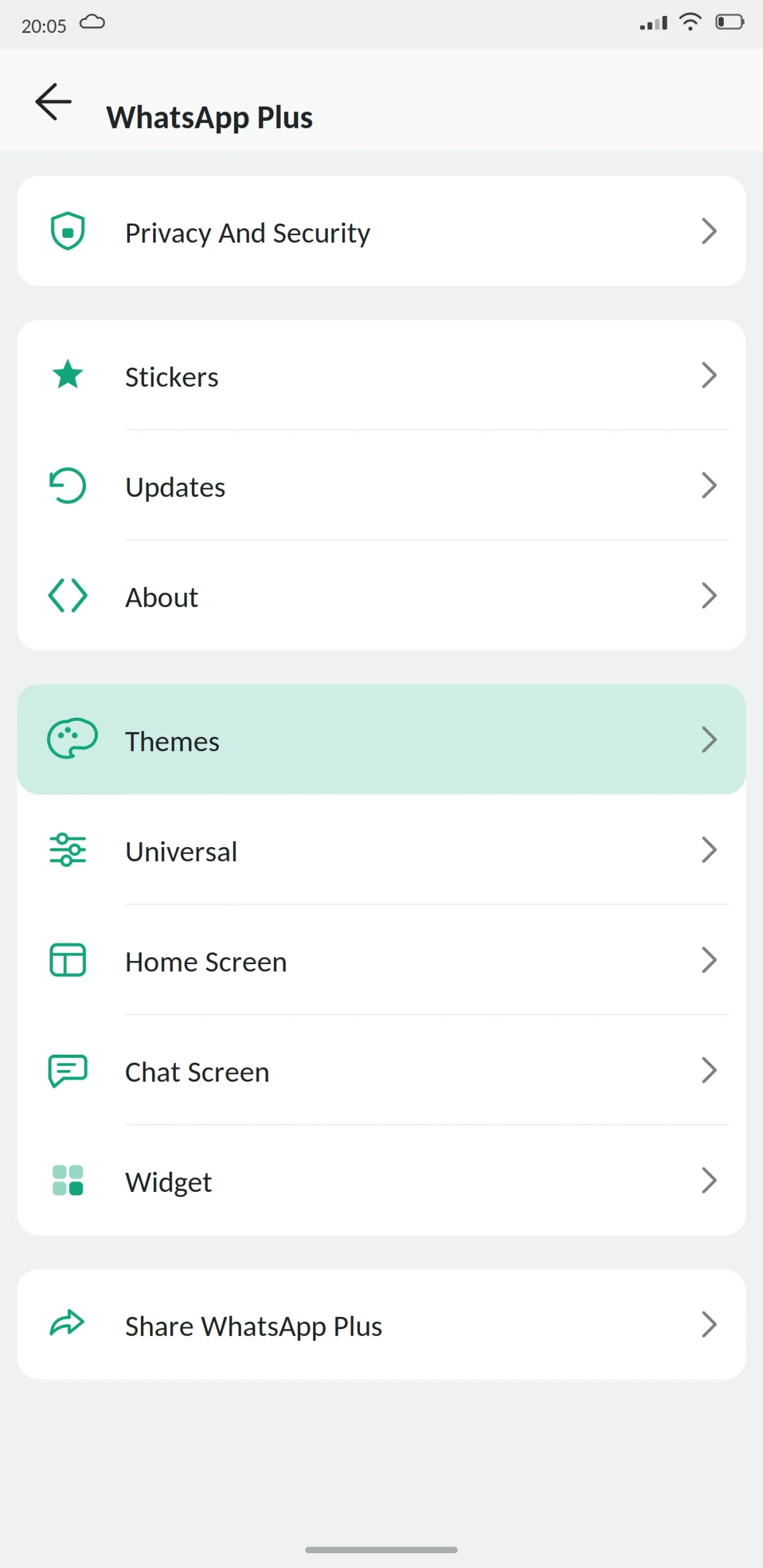
Before anything else: there are two different things called WhatsApp Plus, and most people looking for one end up reading about the other.
In May 2026, Meta launched an official paid subscription named WhatsApp Plus. It costs $2.99 a month and adds app themes, custom icons, exclusive stickers, ringtones and extra pinned chats. You get it inside the official app.
There is also WhatsApp Plus APK an unofficial modified build of WhatsApp made by independent developers. It is free, has far more features, and carries risks the paid version does not.
Same name. Different products, different companies, different risks. This guide from appdroid.net covers the modified APK. If you wanted Meta’s subscription, open WhatsApp, go to Settings, and look for the Plus upgrade there.
App Specifications
| Detail | Information |
|---|---|
| App name | WhatsApp Plus (modified) |
| Version | v18.80 |
| File size | 102 MB |
| Android required | 5.0 or higher |
| Base version | WhatsApp 2.26.x |
| Developer | Independent (Rafalete, later HeyMods and Brian MODs) |
| Price | Free |
| Play Store | Not available |
| Root needed | No |
What Is WhatsApp Plus?
WhatsApp Plus is a modified version of the official WhatsApp Android app. Developers take the compiled app, add functionality Meta did not include, and release it as an APK you install manually.
It is the oldest mod still in circulation. The project started in 2012 with a developer known as Rafalete, active in the XDA community, who modified the WhatsApp client to add the customization options users had been asking for. Meta shut the original down with a cease-and-desist in 2015, but the code had already spread and other teams picked it up. Development passed through HeyMods and later Brian MODs.

That history explains something you will notice while researching: different websites quote different version numbers, file sizes and feature limits with total confidence. They are describing different builds maintained by different people under the same name.
WhatsApp Plus vs Meta’s WhatsApp Plus
This is the question most people arriving here actually have.
| Feature | Meta’s subscription | Modified APK |
|---|---|---|
| Made by | Meta Platforms | Independent developers |
| Price | $2.99/month | Free |
| Where you get it | Inside official WhatsApp | Third-party APK file |
| Custom themes | Yes | Yes |
| Custom app icon | Yes | Yes |
| Exclusive stickers | Yes | Yes |
| Custom ringtones | Yes | Yes |
| Extra pinned chats | Yes | Yes |
| Hide online status | No | Yes |
| Hide blue ticks | No | Yes |
| Freeze last seen | No | Yes |
| Read deleted messages | No | Yes |
| Message scheduler | No | Yes |
| Large file sharing | No | Yes |
| Ban risk | None | Real |
| Works on iPhone | Yes | No |
Take Meta’s subscription if you mainly want the app to look different themes, icons, stickers, ringtones, more pins. All of that is now available officially for a few dollars a month with no risk at all.
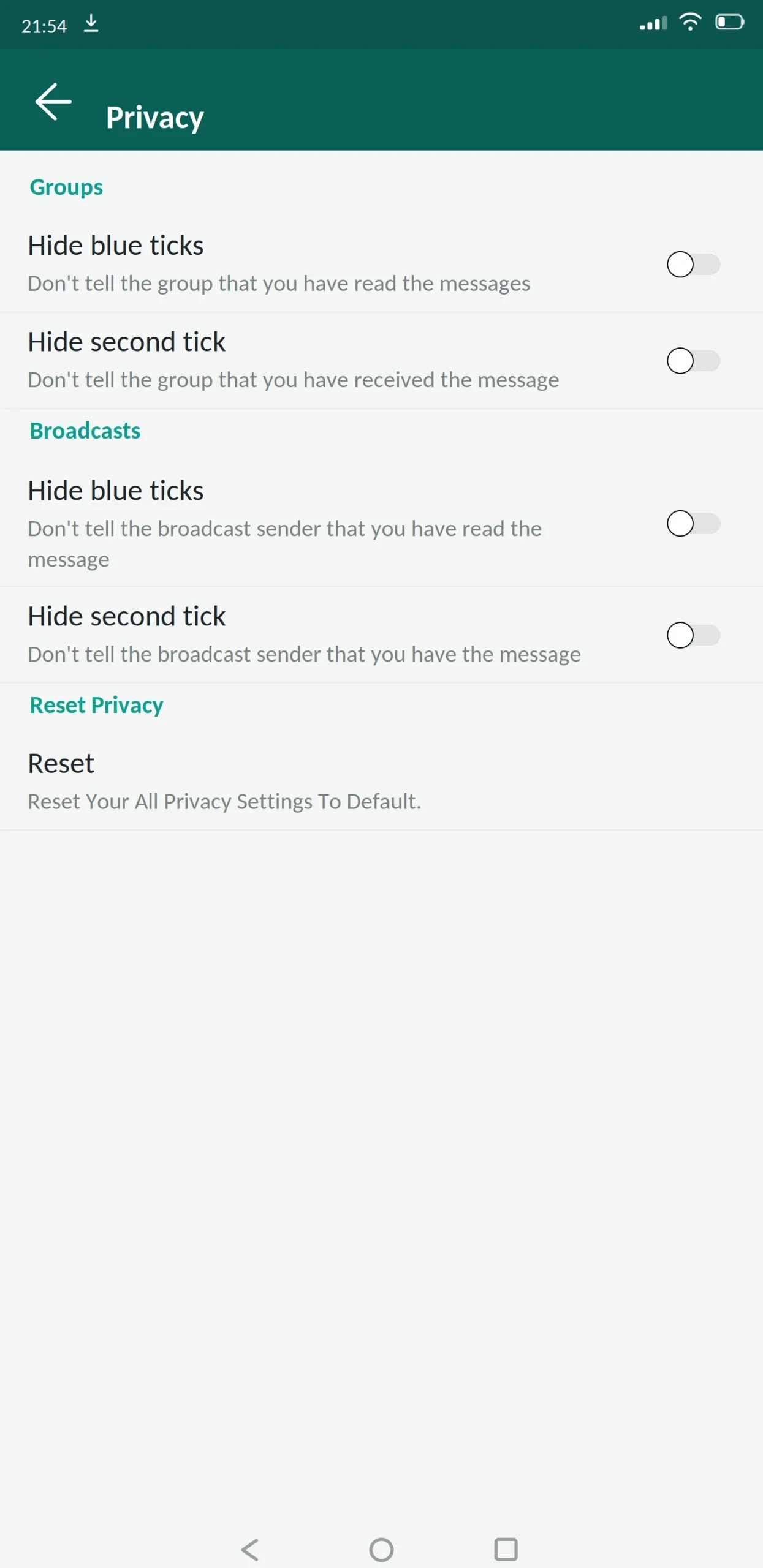
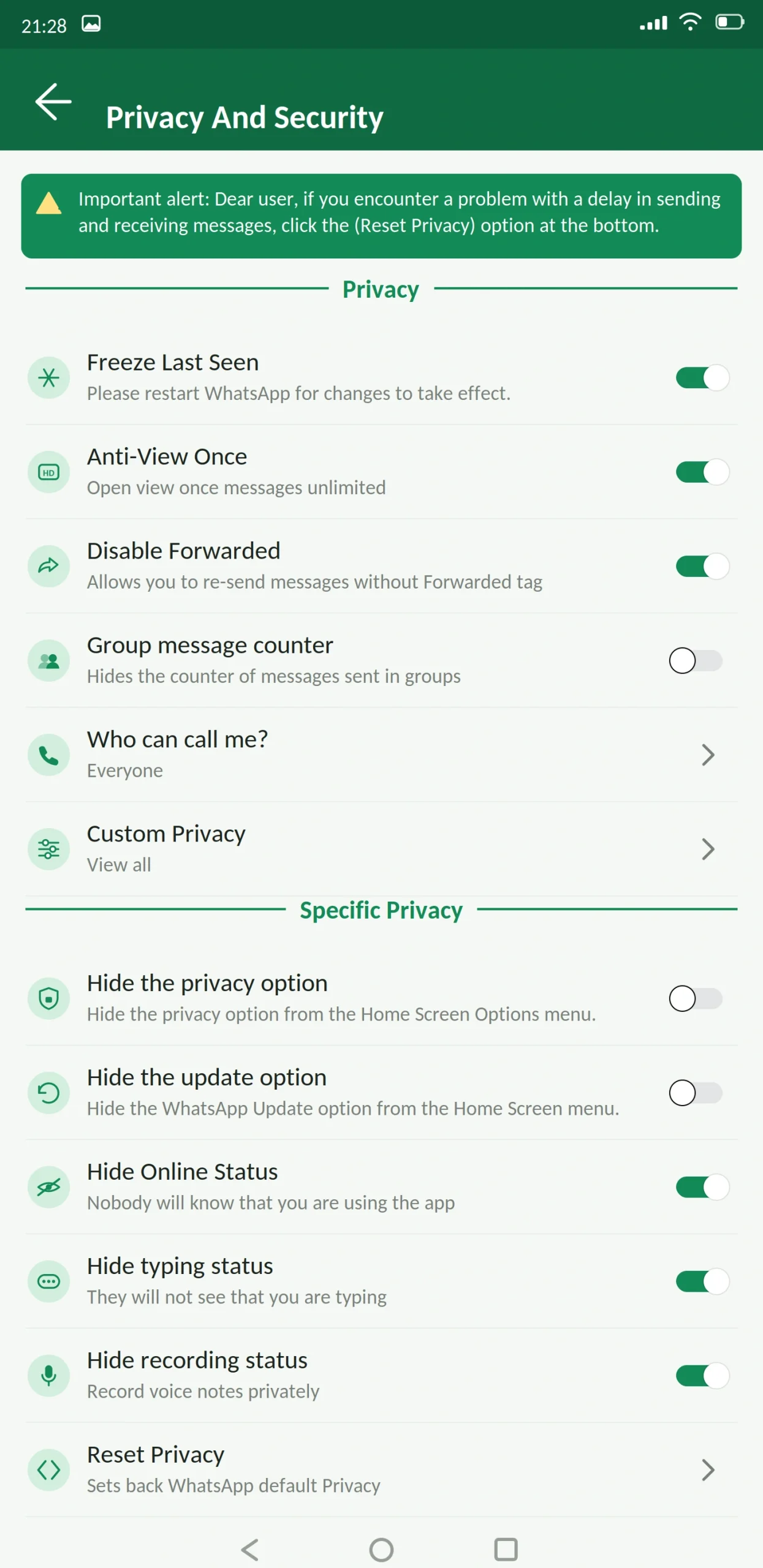
Take the mod if the privacy controls are what you are after. Hiding your online status, read receipts and typing indicator, and reading deleted messages are not available from Meta at any price. That is the only area where the mod still clearly wins.
Main Features
Privacy
Customization
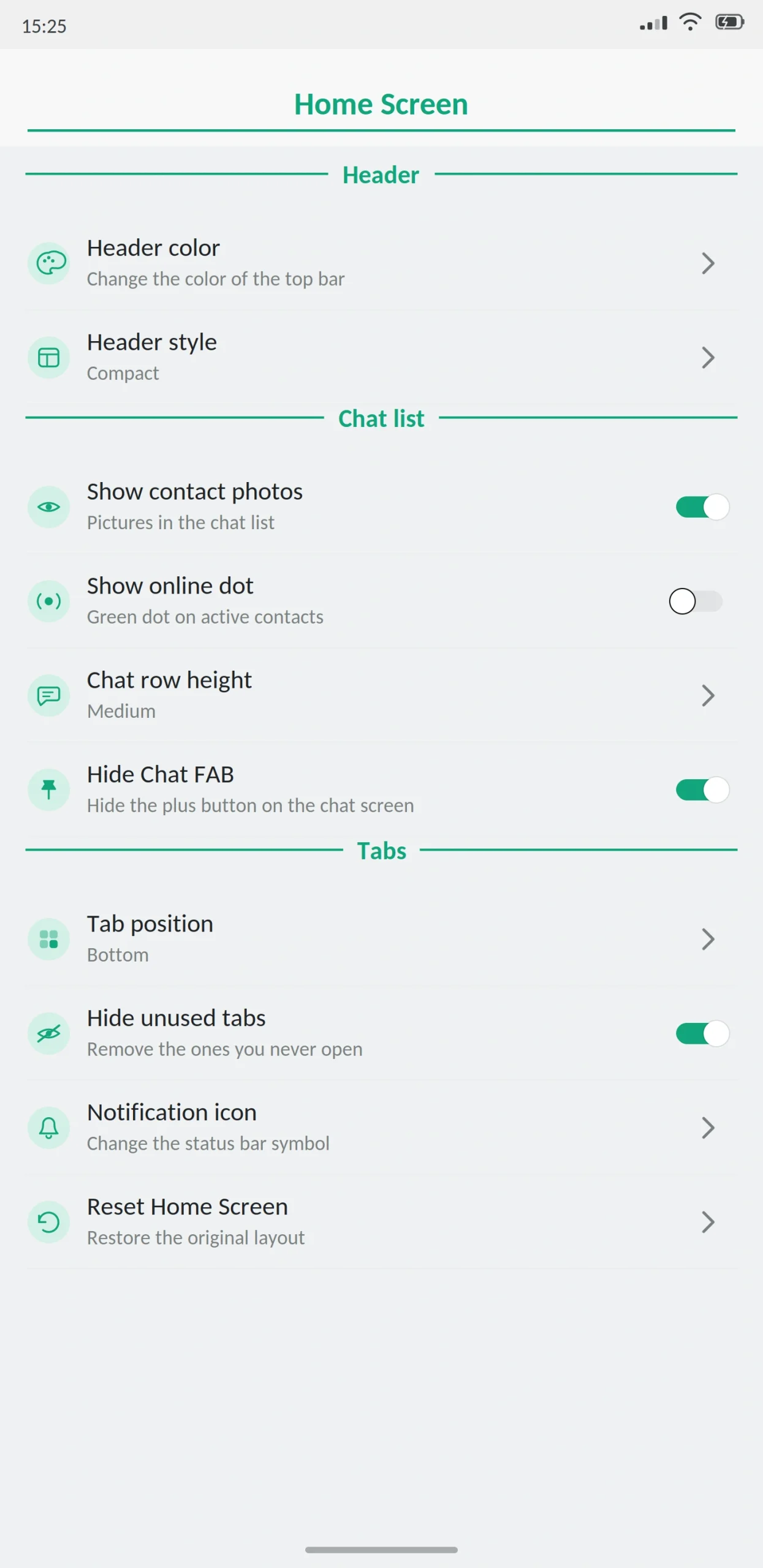
A theme store with thousands of free designs plus an editor for building your own. Full control over fonts, tab appearance, and per-conversation backgrounds. Over twenty different call and video call screens. Separate tabs for group and individual chats. A changeable app icon.
Messaging and media
Message scheduler, auto reply, a button to message a phone number without saving it as a contact, and an increased forwarding limit.
On file sizes: official WhatsApp caps video at 16 MB and limits you to 30 photos at once. The mod raises both substantially you will see 700 MB and 1 GB quoted for video, depending on the build. Images send without the usual resolution loss.
The honest note is that these numbers vary by build, and the receiving app matters. If your recipient uses official WhatsApp, their client governs what actually arrives.
Security
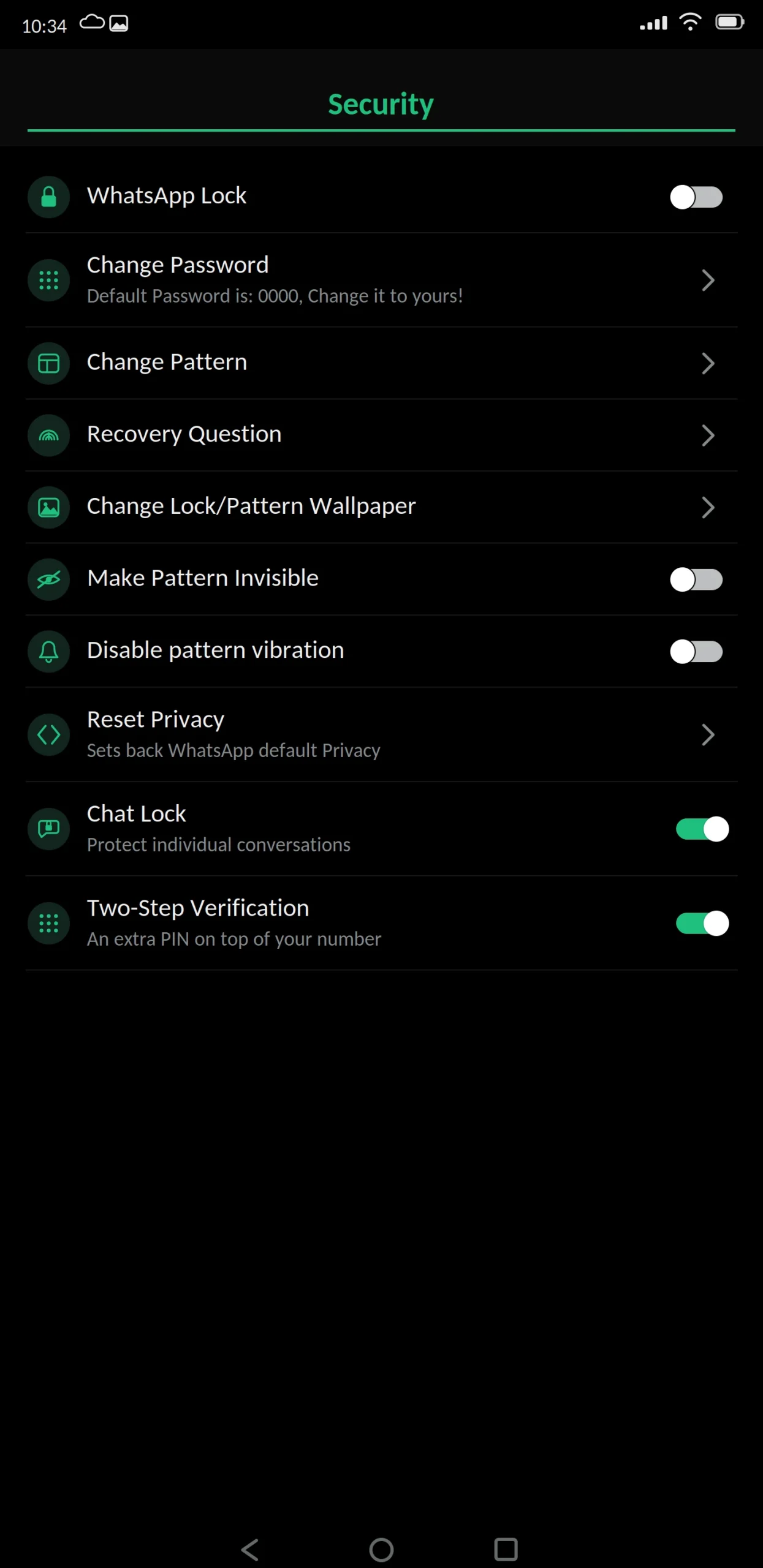
App lock by PIN, pattern or fingerprint, a security question for recovery that also unlocks hidden chats, chat lock for individual conversations, and two-step verification.
What’s New in the Latest Version
The August 2026 release is based on WhatsApp 2.26.29.73.
The call menu was completely redesigned. A shortcut was added to message search, and group invitation links can now be sent directly. Temporary messages can be set to destroy after 90 days. There is a new drawing tool for sketches, and an automatic message translator.
The DIY Theme feature lets you build your own themes and share them. Group permission management was expanded, and the settings interface was rebuilt with an option to return to the old WhatsApp look.
Also added: voice messages that can only be played once, a secret code for locking chats, support for several accounts at the same time, AI features for sticker creation and image generation, email as an additional verification method, profile pictures visible in group lists, per-chat control over automatic downloads, and message edit history.
The anti-ban system was improved, and there are fixes for Android 14 storage and backup bugs.
Best Alternatives
Is WhatsApp Plus Safe?
It cannot be verified as completely safe. Two reasons, and both are worth understanding.
Meta does not authorise this. Using any mod violates WhatsApp’s terms of use, so there is always the possibility of a temporary ban or being forced back to the official client.
The data path cannot be checked. Developers say chats travel over WhatsApp’s official servers, and that is probably true. But there is no way for anyone outside the project to verify whether they also pass through other servers along the way. Official WhatsApp uses end-to-end encryption; whether a modified build preserves that intact cannot be independently confirmed.
Beyond those two, the practical danger is fake files. Any APK can be altered between the developer’s build and your phone. Scan it, check the file size against what is published, and read the permissions on the install screen. Accessibility services or device administrator access have nothing to do with messaging if a build asks for either, stop.
Do not install this if your number carries your business, your payments, or is the only way people who matter reach you.
What to Know Before Installing
You cannot install it alongside official WhatsApp. Both use the same package name, com.whatsapp, so Android sees them as the same app. Installing the mod overwrites the official one. If running both matters to you, GB WhatsApp handles this better.
Google Drive backup does not work. You need a local backup instead, stored somewhere outside the app.
It is not on the Play Store and never will be. Google does not distribute modified apps. Anything there with a similar name is not this app.
How to Download and Install
Back up your chats in official WhatsApp first and wait for it to finish completely. Copy important media somewhere separate as well.
Enable “unknown sources” in Settings when Android prompts you, granting it to your browser rather than system-wide. Download the APK, open it from the notification, and tap install. Remember it will overwrite official WhatsApp.
Open the app, grant phone and contacts permissions, then enter your number and confirm it with the SMS code. Never share that code with anyone it is how most stolen WhatsApp accounts are stolen.
Restore your backup when prompted, review the privacy settings, and turn unknown sources back off.
Switching over without losing messages
Create a backup, then make a folder in your internal storage named WhatsAppPlus no spaces. Copy the contents of your WhatsApp Media folder into it. You will need a file manager to do this. Restore inside the mod when it asks.
How to Update
The steps are identical to installing. Back up first, download the newer file, install it over the top without uninstalling.
Updates on any mod arrive later than the official app. If a serious bug or vulnerability is found, the fix reaches unofficial builds after the official one. That is a real drawback worth weighing.
Common Problems and Fixes
“App not installed.” Usually low storage, an incomplete download, or a conflict with the official app still on the device. Free some space, delete the file and download it again. If official WhatsApp is installed, remember this mod overwrites it rather than sitting beside it.
Package conflict. The file you are installing has a different signature from what is already there. This happens when you switch between mods. Back up locally before touching anything, because the fix involves uninstalling.
No verification code arriving. Check the number and country code, and check your signal. Requesting the code repeatedly triggers a cooldown wait it out instead of trying again immediately.
Chats missing after installing. The backup was not found, was in the wrong folder, or came from a different build. Confirm the folder is named exactly WhatsAppPlus with no spaces, and that storage permission is granted.
Media not appearing in the gallery. Media visibility is switched off for that chat, or storage permission is blocked.
Notifications arriving late. Battery optimisation. Allow the app to run in the background some manufacturers hide this in a separate menu from the standard Android settings.
App keeps closing. Nearly always a broken or outdated theme. Switch back to the default theme first before trying anything else.
Scheduled message did not send. The phone was offline, the app was closed, or Android blocked background activity. Test the feature with something unimportant before relying on it.
What Happens If You Get Banned
Restrictions come in two forms. A temporary ban shows a countdown and lifts on its own wait it out, and switch to the official app in the meantime if you need your number working.
A permanent ban is different. Appeals rarely succeed for accounts flagged as using a modified client, because the terms of service were genuinely broken. Some people report success switching to official WhatsApp, using it normally for a few weeks and then appealing, but there is no reliable method and anyone selling you one is lying.
The practical lesson is prevention. Stay on the current version, avoid bulk messaging and mass forwarding, and do not use your primary number if losing it would actually hurt.
Requirements and Additional Information
Minimum Android version is 5.0, though the app runs better on 8.0 and above. You need roughly 200 MB free and at least 1 GB of RAM for comfortable use.
Installing requires “unknown sources” enabled for whichever app you download with. Root is not needed.
One thing worth stating plainly: this is a modified version of an application, developed by a third party with no connection to Meta or to appdroid.net. Downloading, installing and using it is entirely your own responsibility.
Frequently Asked Questions
Pros and Cons
| Pros | Cons |
|---|---|
| Privacy controls Meta does not sell at any price | End-to-end encryption cannot be verified |
| Thousands of themes plus a theme editor | Real possibility of an account ban |
| Much larger file and image limits | Updates always arrive later than official |
| Message scheduler and auto reply | Cannot run alongside official WhatsApp |
| Changeable app icon and interface | No Google Drive backup |
| Free | Developer data handling is unknown |
Verdict
WhatsApp Plus is the oldest and still one of the most complete mods available. The privacy controls are genuinely useful and nothing official replaces them.
But 2026 changed the calculation. The customization half of its appeal themes, icons, stickers, ringtones, extra pins is now sold by Meta for $2.99 a month with no account risk whatsoever. If that is what brought you here, take the subscription.
The mod still wins on privacy, and only on privacy. Decide whether hiding your read receipts is worth the chance of losing your number. For most people with one number that matters, it is not. For people who understand the trade and use a secondary number, it is a reasonable choice.
Whatever you decide: back up first, never share your verification code, and turn unknown sources back off afterwards.
